Upper-Arm Blood Pressure Monitor for Home Use: Buyer’s Checklist
16
May
If you have already decided that you want an upper-arm blood pressure monitor for home use, you do not need another broad explanation of every monitor type. You need a practical checklist that helps you avoid the mistakes that matter at the point of purchase: buying the wrong cuff, choosing controls the user cannot manage, paying for features that will not be used, or overlooking memory and support requirements.
For most people who monitor blood pressure at home, an automatic upper-arm cuff device is the preferred starting point. The next question is therefore not simply “Which monitor is best?” but which upper-arm monitor fits this user and this monitoring routine?
Medical note: Home monitoring helps record blood pressure trends. It does not diagnose hypertension and should not be used by itself to change treatment.
Upper-arm home monitor: the 7-point buying checklist
Check
What to confirm before ordering
Why it matters
1. Cuff fit
The user’s arm circumference falls inside the stated cuff range.
An unsuitable cuff can distort readings.
2. Validation evidence
The exact model has appropriate validation documentation when required.
Accuracy claims should be model-specific.
3. Display
Numbers and symbols are easy for the intended user to read.
Especially important for seniors and independent use.
4. Controls
The user can start a measurement and review results without confusion.
Complicated controls increase user error.
5. Memory
Storage capacity and user profiles match the household.
Keeps regular tracking organized.
6. Power and portability
Battery type, adapter options and device size fit the routine.
Important for frequent use and travel.
7. Support
Product documentation, warranty and seller contact are clear.
Useful if a cuff, accessory or device needs support.
1. Measure the upper arm before choosing a model
This should happen before comparing screens, memory or price. Use the manufacturer’s instructions for measuring upper-arm circumference, then check the cuff range for the exact model.
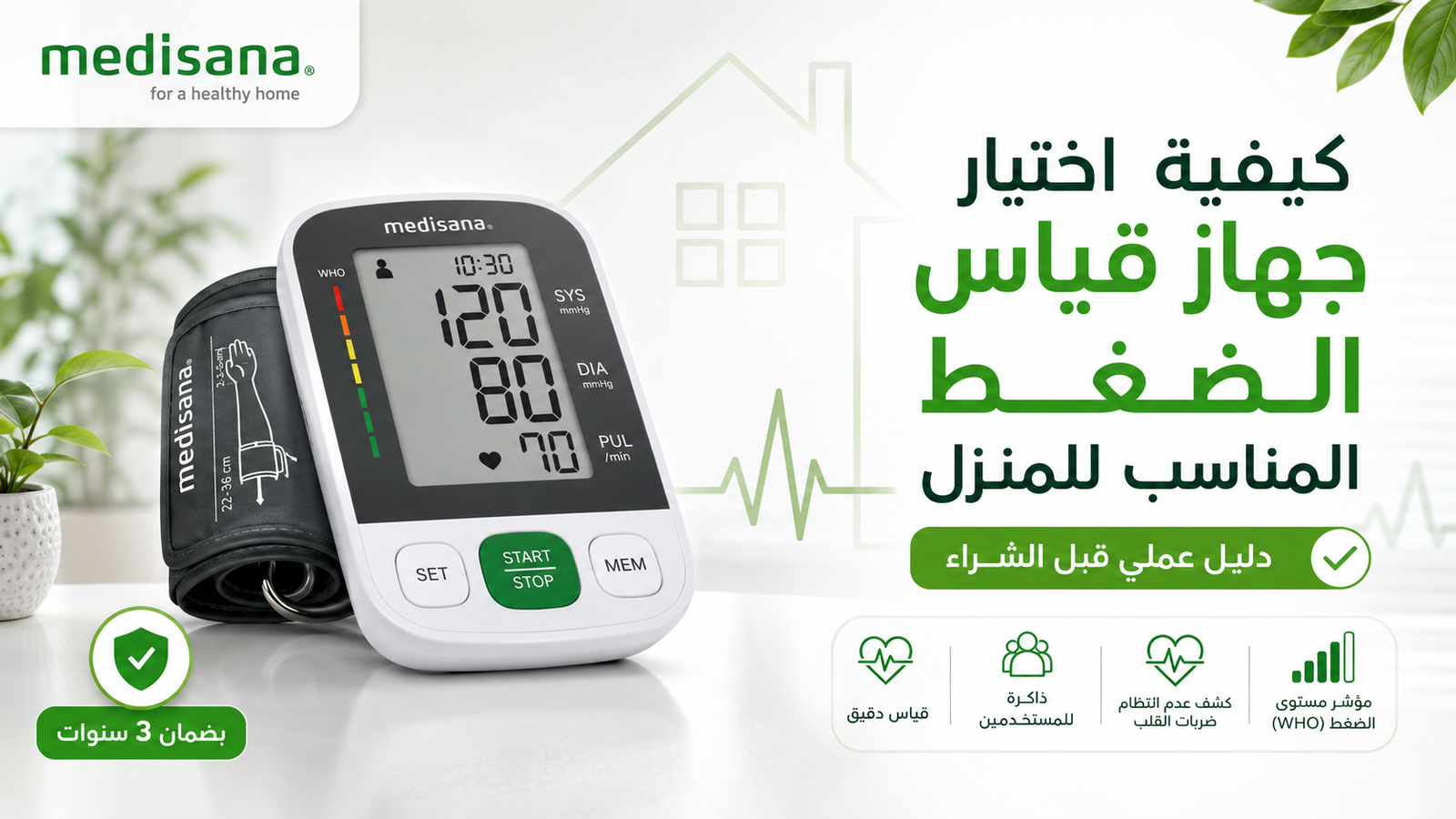
For example, current WeCare Egypt product information lists approximately 22–36 cm cuffs for Medisana BU 510 and BU 516, while BU 565 lists approximately 22–42 cm. That difference can be more important than an extra memory feature if the standard cuff does not fit.
If two people will share one monitor, check both arm circumferences. Do not assume that one cuff will be suitable for the whole family.
2. Decide whether the monitor is for one person or a household
A single user may only need enough memory to review recent measurements. A couple or family may benefit from separate user profiles so readings are not mixed together.
Current examples:
BU 510: up to 90 stored readings for each of two users.
BU 516: up to 90 readings for each of two users, plus an average of the last three readings.
BU 565: up to 120 readings for each of two users, plus an average of the last three readings.
More memory is useful only if it matches the monitoring routine. If readings are logged in a separate notebook or app, a simpler memory system may be sufficient.
3. For seniors, prioritize usability over feature count
A monitor intended for an older adult should be easy to operate without assistance whenever possible. Check:
large and high-contrast digits;
an illuminated display if visibility is a concern;
few, clearly labeled buttons;
an easy-to-fit cuff;
clear user selection if two people share the device;
easy access to stored readings.
BU 516, for example, currently includes an illuminated display. That may be more relevant to a user with reduced visual comfort than a feature they will rarely use.
4. Check whether the user needs a wider cuff
A wider cuff range is not automatically “better,” but it can solve a specific fit problem. BU 565 currently lists a cuff range of approximately 22–42 cm, compared with approximately 22–36 cm on BU 510 and BU 516.
If the user’s arm is close to or outside the edge of a cuff range, do not guess. Confirm compatibility before purchase and ask whether a suitable alternative cuff is approved for the device.
5. Treat extra features as workflow tools, not accuracy shortcuts
Features such as recent-reading averages, larger memory, illuminated screens or measurement during inflation can make a device more convenient. They do not replace correct cuff fit, model validation or correct measurement technique.
Ask one question for every extra feature: Will this make the user’s regular monitoring easier or more consistent? If the answer is no, it should not drive the purchase.
6. Match the monitor to the real monitoring routine
Use case
Priorities
Current model to compare
Simple home tracking for one or two adults
Correct cuff, large display, separate memory
BU 510
Senior user who values screen visibility
Illuminated display, simple controls, cuff fit
BU 516
User needing a wider cuff range
Approx. 22–42 cm cuff, memory, practical storage
BU 565
Two users measuring frequently
Separate profiles and adequate memory
BU 510, BU 516 or BU 565 depending on other needs
This table is a starting point, not a medical recommendation. Confirm the exact device specifications and suitability for the intended user before ordering.
7. Check the seller and after-sales path before checkout
A home monitoring device may be used for years, so buying from a source with clear model information matters. Before ordering, confirm:
the exact model/SKU;
current stock and price;
what is included in the box;
the cuff range;
the warranty duration and coverage for that model;
Confirm that the model and package contents match the order.
Inspect the cuff, tubing, display and battery compartment for damage.
Read the manufacturer’s instructions before measuring.
Set the correct user profile, date and time if the device supports them.
Learn the correct seated position and cuff placement.
Consider taking the monitor to a healthcare appointment so its use can be checked against a professional measurement.
The American Heart Association recommends bringing a home monitor to a medical appointment so a professional can check that the device is being used correctly and that readings are comparable.
When should you consider a wrist monitor instead?
This page is intentionally focused on upper-arm monitors. A wrist monitor may be considered when an upper-arm cuff is impractical for a particular user or when compact portability is a major requirement. Wrist devices are more sensitive to positioning and must be kept correctly at heart level.
Correct technique still determines the value of the purchase
Even a suitable upper-arm device can produce misleading readings when used incorrectly. Rest before measuring, sit with back support and feet flat, place the cuff on bare skin, support the arm at heart level and avoid talking during the measurement.
What is the most important feature in an upper-arm home blood pressure monitor?
Start with a suitable cuff and appropriate model validation. Display, memory and convenience features matter after those basics are satisfied.
How do I choose a blood pressure monitor for an older adult?
Prioritize cuff fit, a large readable display, simple controls, easy cuff handling and straightforward access to stored readings.
Is more memory always better?
No. More memory is useful for frequent tracking or multiple users, but it is not a substitute for cuff fit or ease of use.
Can two people use the same monitor?
Yes, if the cuff fits both users and the device supports separate profiles or the household has another reliable way to keep their records separate.
Should I buy the most expensive model?
No. Choose the model whose cuff range, display, memory and operating method match the intended user. Higher price does not automatically mean a better fit.
Content and current model specifications reviewed August 2026. Verify price, stock, cuff specifications and warranty terms on the exact product page before purchase.
This guide is for general educational purposes and does not replace individualized medical advice. If you are unsure which cuff size, device type, or monitoring schedule is appropriate for you, discuss it with a qualified healthcare professional.
Shop from WeCare Egypt
Explore Trusted Home Medical Devices and Medical Supplies
Compare blood pressure monitors, inhalation devices, weight scales, massage devices, and home health care products, then choose the most suitable option for your daily needs from WeCare Egypt.
Nebulizer not making mist? Troubleshoot compressor and mesh models by checking power, tubing, filter, cup assembly, batteries, mesh contact and cleaning—without changing the medication dose.
Learn why a pulse oximeter may show low or unstable SpO₂, how to repeat the measurement correctly, common accuracy limitations, and when symptoms need medical attention.
Learn what Perfusion Index (PI) means on a pulse oximeter, how it differs from SpO₂ and pulse rate, why PI changes, and how to use it as a signal-quality clue.
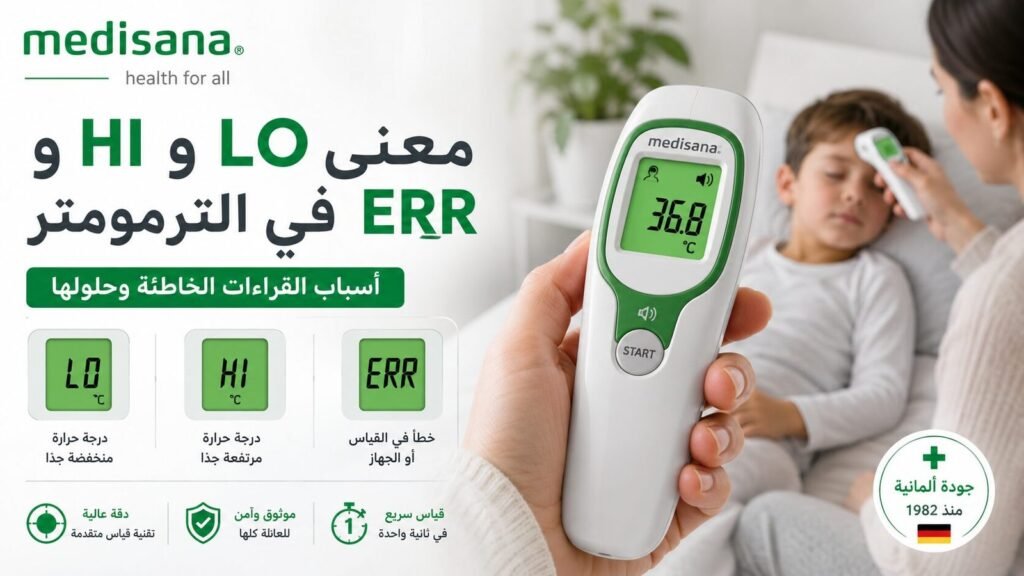
Understand LO, HI, ERR, E1, E2 and battery symbols on digital thermometers, what they may mean, and the correct troubleshooting order before requesting support.
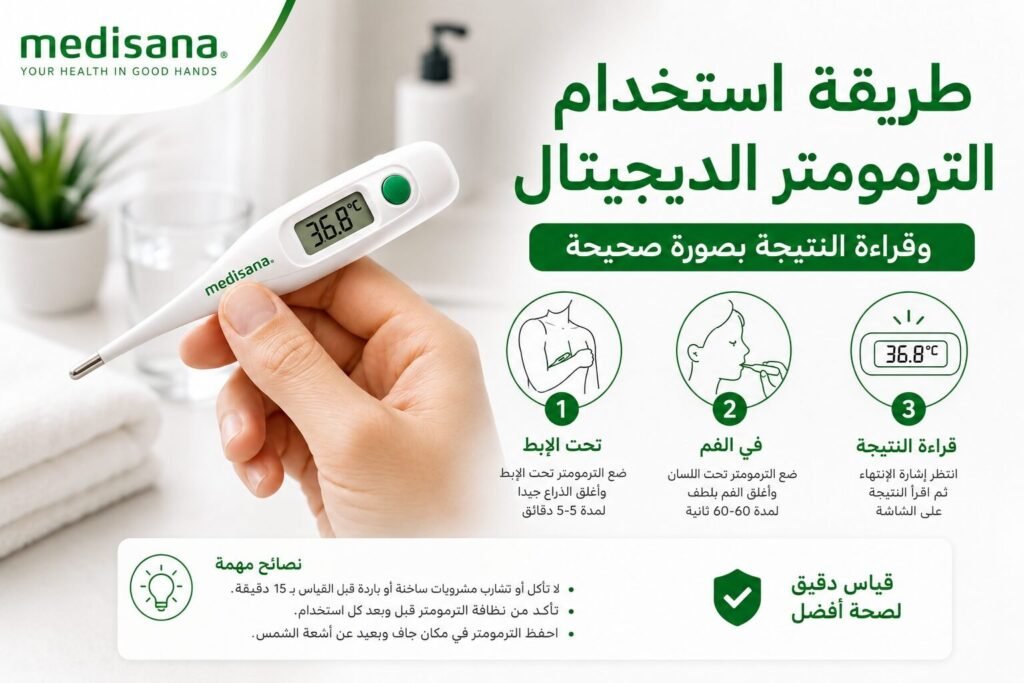
Learn how to use a digital contact thermometer correctly for armpit or oral measurement, read the result, clean the probe and handle LO, HI or ERR safely.
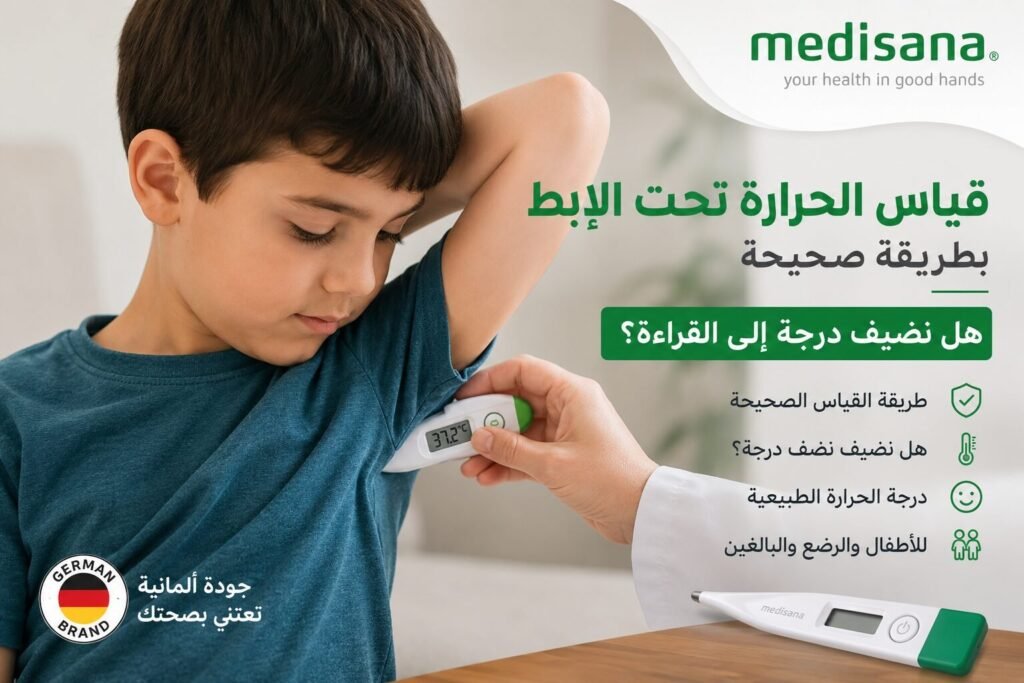
Learn how to measure temperature under the armpit correctly, where to place the thermometer, why you should not automatically add a degree, and when to confirm a reading.
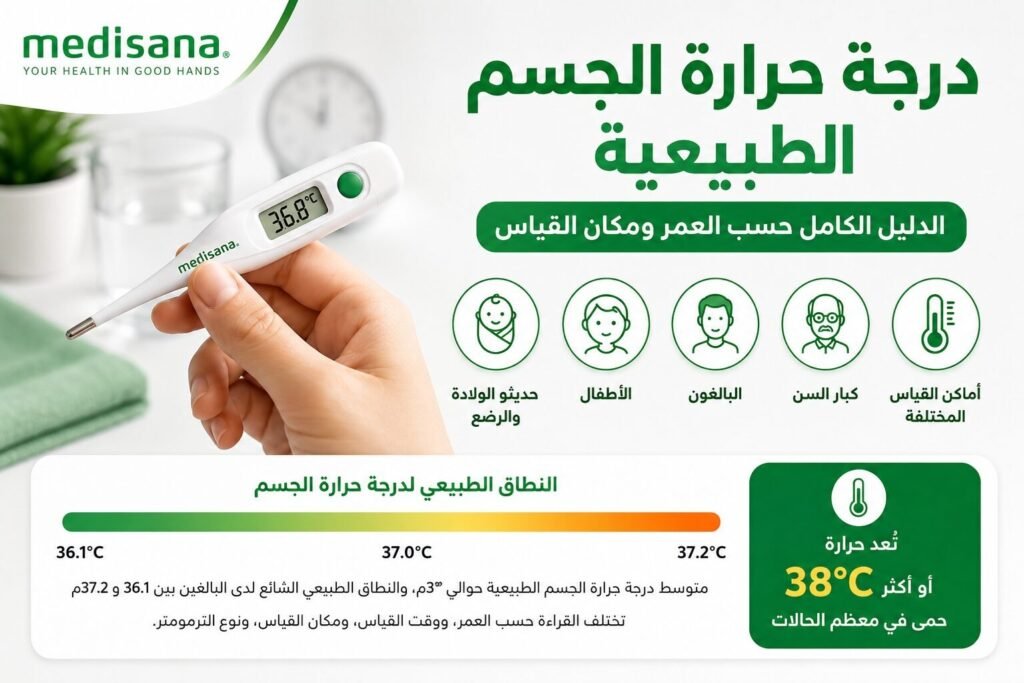
Understand normal body temperature by age, time of day and measurement site, including what 36°C, 37°C, 37.5°C and 38°C can mean and when symptoms matter more than the number.
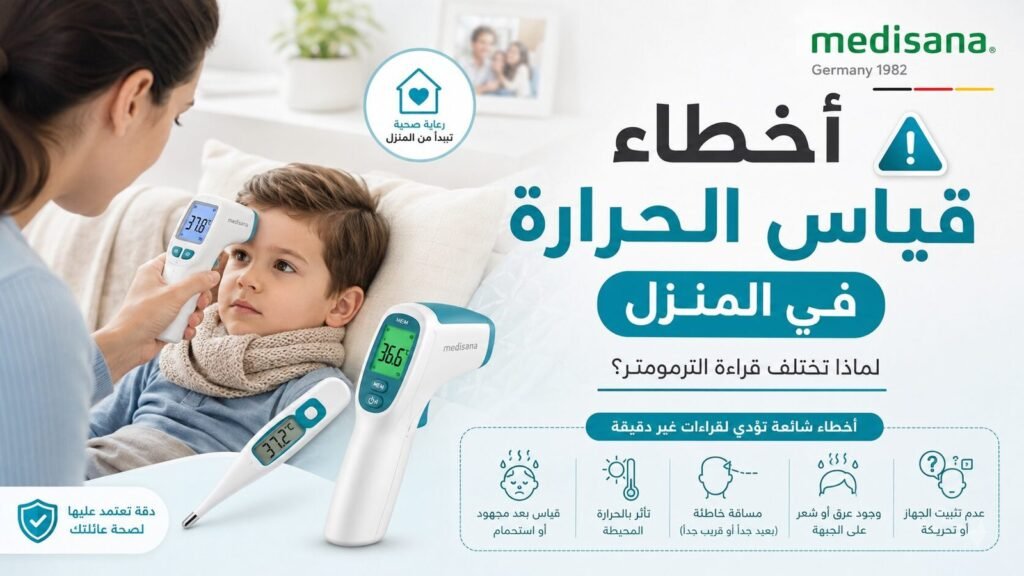
Thermometer readings different at home? Check measurement site, timing, Body mode, probe contact, forehead distance, sweat, battery and repeat technique before blaming the device.
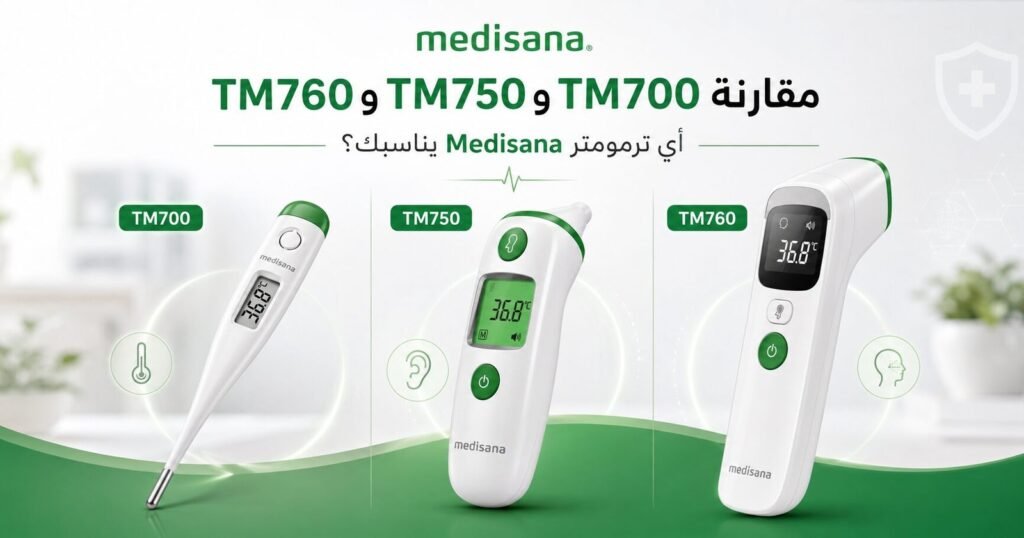
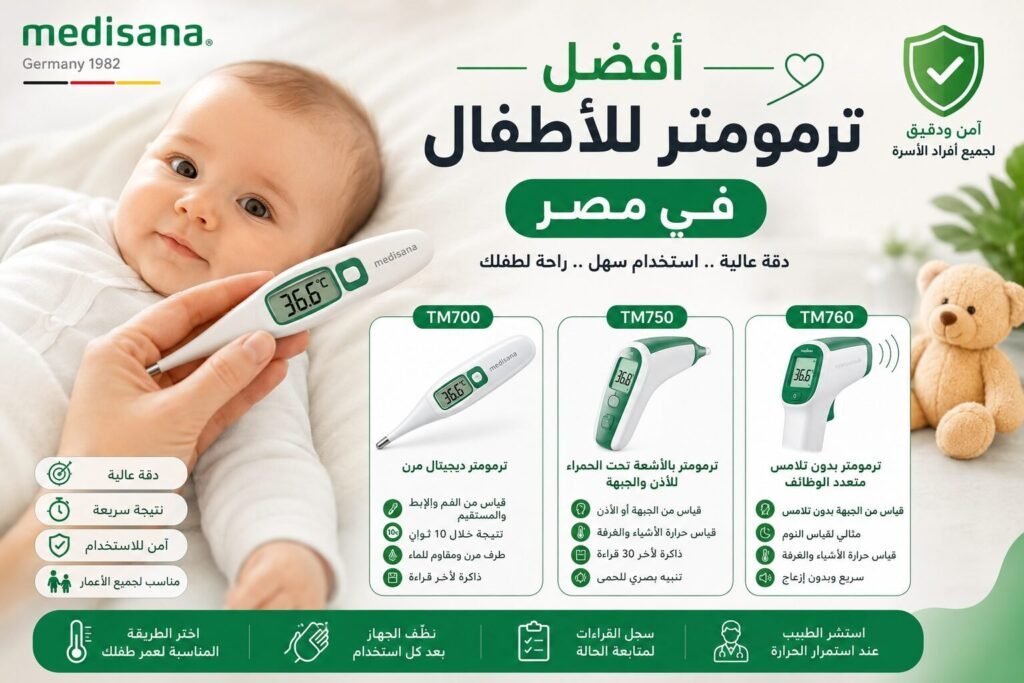
Compare Medisana TM 700, TM 750 Connect and TM 760 for children by age, measurement site, contact vs no-contact use, memory, Bluetooth and sleep-time convenience.
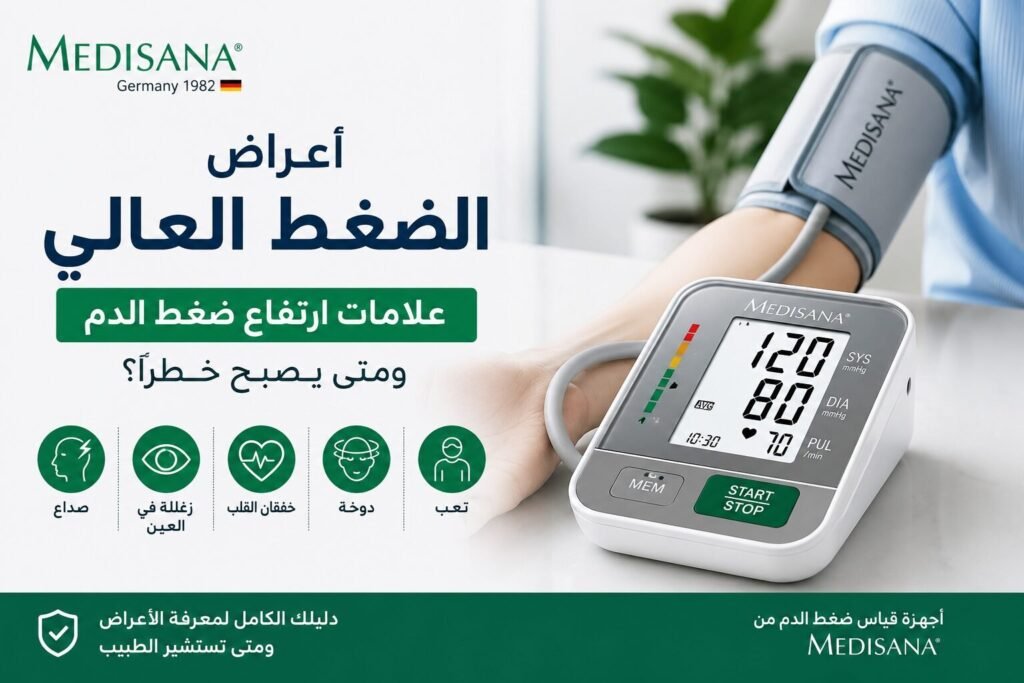
High blood pressure usually causes no symptoms. Learn what headache, dizziness or blurred vision can and cannot tell you, and when a reading above 180/120 with symptoms is an emergency.