

Official WECARE EGYPT Warranty Registration
Warranty Activation
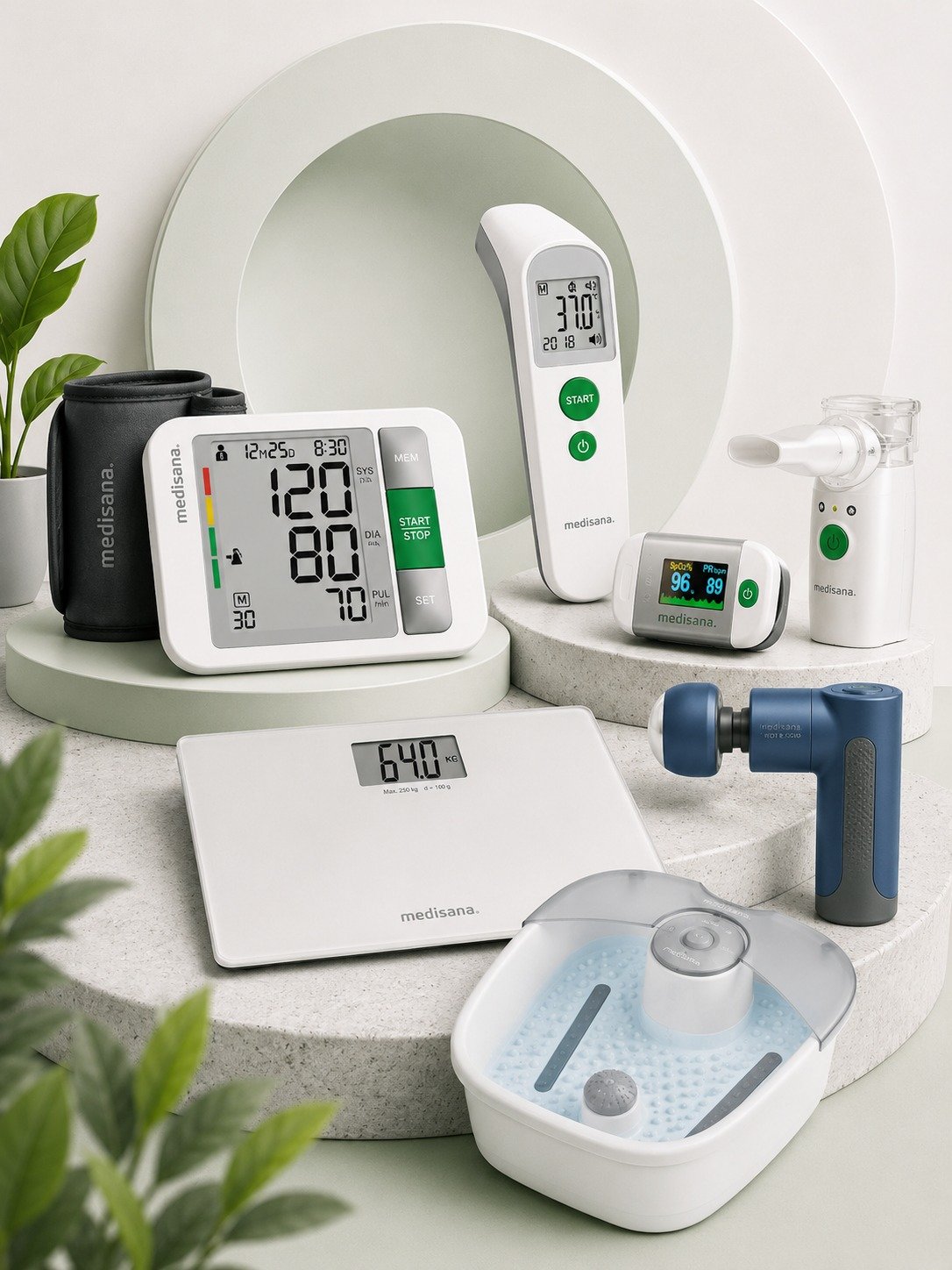
Welcome to the Medisana product warranty activation page by WeCare Egypt. Registering your device allows us to verify the purchase details and provide better after-sales support when needed.
Please complete the required details below and upload a clear image of the invoice. The support team will review your request and notify you after the warranty has been activated.
WECARE EGYPT
Activate Your Warranty Online
Enter the product serial / SKU, order number, purchase date, and upload the invoice image. Our support team will review the request and activate the warranty after verifying the details.
Why Should You Activate Your Warranty?
Warranty activation is a simple step that helps protect your purchase and makes it easier to access the product details when support or maintenance is needed, subject to the approved warranty terms.