Thermometer Error Codes: LO, HI, ERR, E1 and E2 Explained
10
Jul
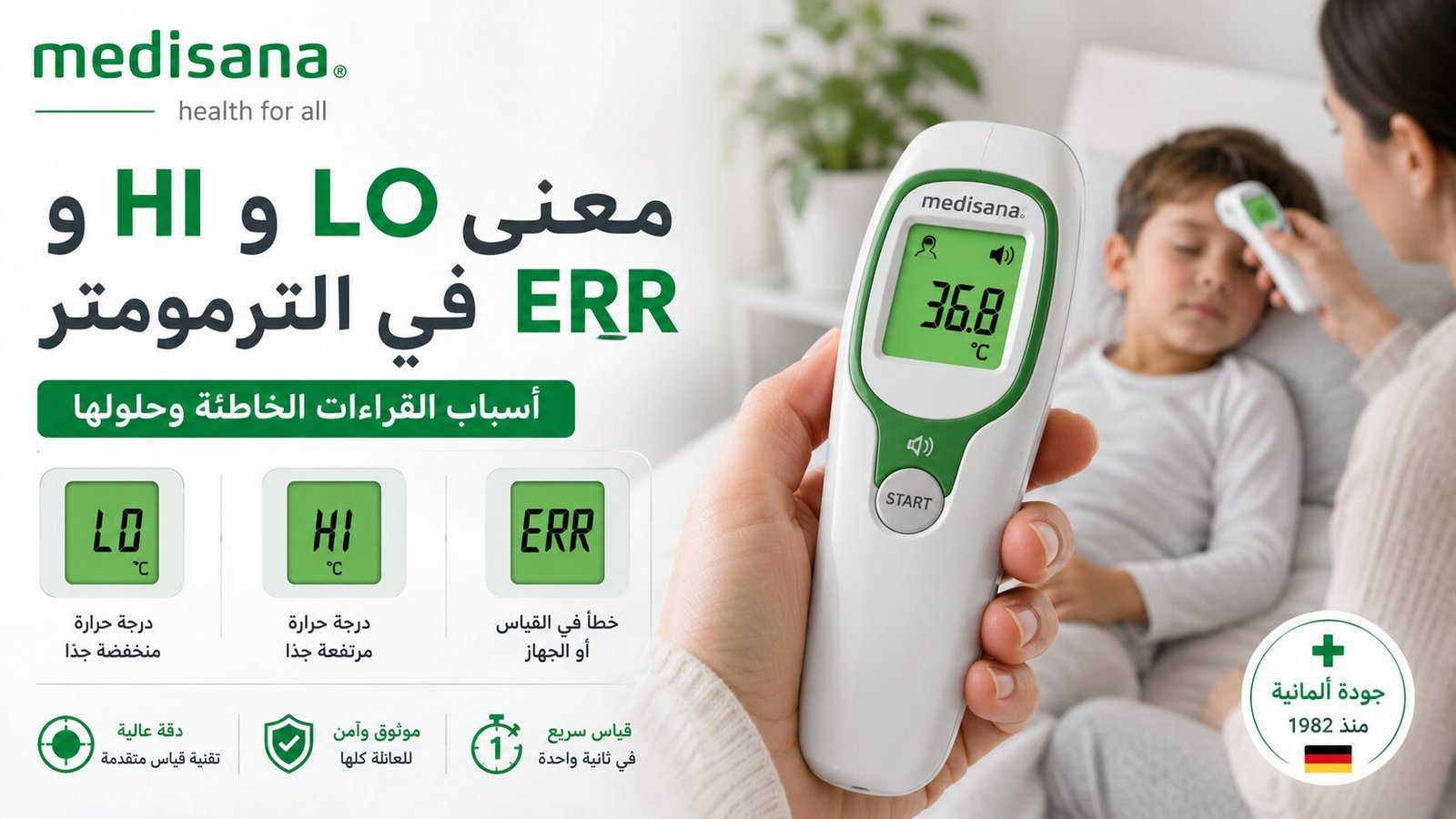
Direct answer: thermometer error codes are not standardized across every model. LO can mean the detected value is below the measuring range or that the sensor has not captured body temperature correctly; HI can indicate a value above the supported range; and ERR usually means the measurement cycle could not be completed. Always start with the exact model and its manual, then check measurement mode, placement, battery and operating environment.
Before Interpreting Any Thermometer Error Code
Write down these details first:
The thermometer model and product number.
The code exactly as shown on the screen.
Whether it appeared at startup or during measurement.
Whether the device was in Body or Surface mode, when applicable.
The measurement site, distance or probe placement.
Battery condition and room temperature.
The same code can mean different things on different models. These details help prevent random troubleshooting and, importantly, prevent a device message from being mistaken for a medical diagnosis.
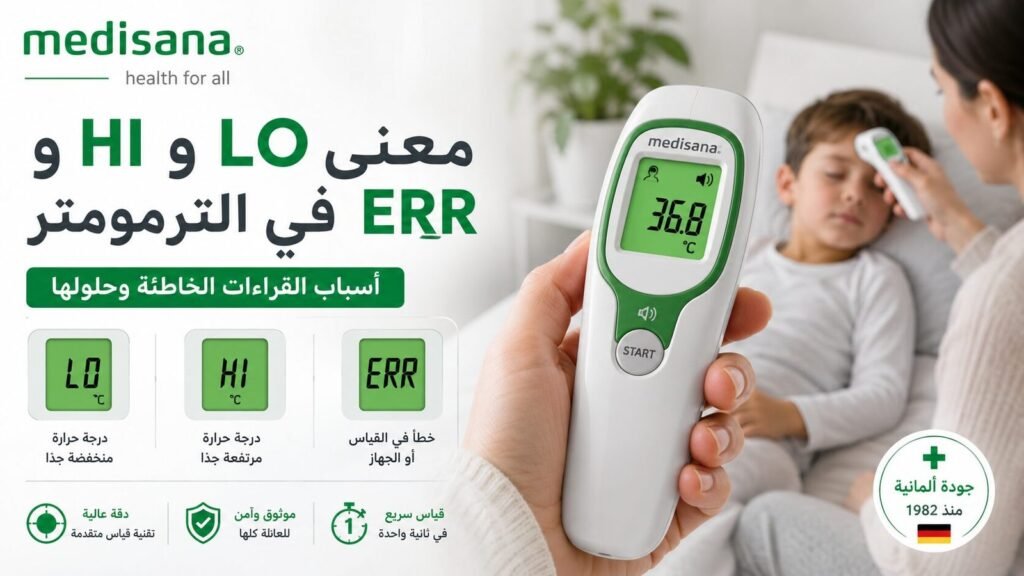
Below the measuring range or body temperature was not captured correctly
Check Body mode, placement, contact or measuring distance
HI / High
Above the measuring range or sensor exposed to a heat source
Move away from the heat source and allow the device to stabilize
ERR / Error
Incomplete measurement cycle or unsuitable operating condition
Restart and repeat the measurement according to the manual
E1 / E2 / E3
Model-specific error code
Use the troubleshooting table in the exact product manual
Battery symbol
Battery is low or needs replacement
Use the specified battery type and correct polarity
Blank display
Dead battery, poor contact or a device fault
Check the battery and battery compartment
Why Does LO Appear When the Thermometer Starts?
On some contact thermometers, LO can appear before the probe is placed because the sensor is detecting a temperature below the device’s body-temperature measuring range. If the message disappears and a completed reading appears after correct placement and the completion beep, this may be normal behavior for that model.
It becomes a troubleshooting issue when LO continues during a properly performed measurement or appears instead of a result every time. Then check probe position, skin contact, whether you waited for the completion signal, and battery condition.
LO on a Non-Contact Forehead Thermometer
LO can appear when the device is in Body mode but is aimed too far away, the measuring distance is incorrect, the forehead is unusually cold after coming indoors, or the sensor is not aimed at the intended area. Do not simply move the device closer at random; use the distance specified in the manual and any positioning guide built into the model.
Also check that you did not use Surface mode and then interpret the result as body temperature. Body and object/surface modes can use different ranges and calibration logic.
When Could a Low Temperature Reading Be Real?
A completed low numerical reading is different from seeing the LO code. If a low number repeats with correct technique and the person has symptoms such as confusion, marked drowsiness, severe shivering or significant cold exposure, seek medical assessment. Do not use the LO message alone to conclude that a person has hypothermia.
Why Does HI Appear?
The detected value is above the model’s measuring range.
Body mode was used on a hot surface.
The thermometer was stored near a heat source or used outside its specified operating environment.
The sensor is dirty or has been exposed to a sudden temperature change.
A genuinely high body-temperature reading may need confirmation and medical interpretation depending on symptoms and age.
Move the thermometer away from external heat, allow it to acclimatize to the room, clean the sensor only as instructed by the manufacturer, and repeat the measurement correctly. If the device produces a completed high numerical reading and the person has concerning symptoms, focus on the person’s condition rather than endlessly testing the device.
How to Fix ERR Step by Step
Turn the device off: wait briefly, then restart it.
Check the mode: use Body for body temperature and Surface/Object mode only for supported non-body measurements.
Repeat the correct technique: keep a contact probe in place until the completion signal, or use the correct distance and angle for a non-contact model.
Clean the sensor: only with a method permitted by the manufacturer, then let it dry completely.
Check the battery: replace a low battery with the specified type.
Check the environment: operate the thermometer within its specified temperature and humidity range.
Record the error: if it repeats, photograph the screen and note exactly when it occurs.
E1, E2 and E3: Why There Is No Universal Meaning
E1, E2, E3 and similar codes are not universal standards. E1 on one thermometer can mean something completely different from E1 on another. Searching the code without the model number can therefore lead to incorrect instructions.
Use the Troubleshooting, Error Messages or equivalent section of the exact model manual. For Medisana devices, you can search the official Medisana document library using the product or model number.
Battery Symbol and a Dim Display
A weak battery may cause a dim display, shutdowns or failure to begin a measurement. Use the battery type specified in the manual; a battery that physically fits is not necessarily electrically correct. Insert it with the correct polarity.
If a battery has leaked, avoid direct contact with the leaked material and stop using the thermometer until it has been inspected or safely replaced.
The Thermometer Works, but the Numbers Keep Changing
Changing numerical readings are not necessarily an error-code problem. Variations can result from changing the measurement site, time, distance, technique or device. Repeat measurements using the same site and method, and follow the user manual rather than repeatedly restarting the thermometer.
ERR continues after a fresh battery and correct technique.
The lens, probe or display is physically damaged.
Liquid has entered the battery compartment.
A code appears that is not documented in the user manual.
The device repeatedly shuts down or becomes abnormally hot.
Do not open the device if doing so would violate its warranty or safety instructions. When contacting support, provide the model number, a photo of the code, battery type and the conditions in which the error appears.
When the Person Matters More Than the Device
If the person has breathing difficulty, altered consciousness, a seizure, a concerning rash, neck stiffness or obvious deterioration, seek medical help and do not let thermometer troubleshooting delay care. Use another suitable thermometer if one is available, but do not postpone assessment while trying to clear an error code.
Frequently Asked Questions
What does LO mean on a digital thermometer?
It often means the detected value is below that model’s measuring range or that body temperature was not captured correctly. On some contact thermometers it can appear normally before the probe reaches body temperature. The exact meaning must be confirmed in the model manual.
Does LO mean my body temperature is dangerously low?
Not by itself. LO is a device message, not a diagnosis. A completed low numerical reading taken correctly, especially with symptoms, should be interpreted separately and may need medical assessment.
What does HI mean on a thermometer?
HI commonly indicates that the detected value is above the supported range for the current mode, but external heat, incorrect mode or operating conditions can also trigger it. Check the manual for the exact model.
How do I clear ERR?
Restart the thermometer, verify the measurement mode and technique, check and replace the battery if needed, confirm the operating environment and inspect the sensor. If ERR persists despite correct use, consult the model manual or technical support.
Are E1 and E2 the same on every thermometer?
No. E1, E2 and similar codes are model-specific. Always interpret them using the exact device manual.
Reference for Error Codes
The final authority for an error code is the manual for the exact thermometer model. Medisana manuals and product documents can be searched in the official Medisana document library.
A thermometer is a measuring tool and does not diagnose the cause of fever, low temperature or other symptoms.
Explore Trusted Home Medical Devices and Medical Supplies
Compare blood pressure monitors, inhalation devices, weight scales, massage devices, and home health care products, then choose the most suitable option for your daily needs from WeCare Egypt.
Nebulizer not making mist? Troubleshoot compressor and mesh models by checking power, tubing, filter, cup assembly, batteries, mesh contact and cleaning—without changing the medication dose.
Learn why a pulse oximeter may show low or unstable SpO₂, how to repeat the measurement correctly, common accuracy limitations, and when symptoms need medical attention.
Learn what Perfusion Index (PI) means on a pulse oximeter, how it differs from SpO₂ and pulse rate, why PI changes, and how to use it as a signal-quality clue.
Understand LO, HI, ERR, E1, E2 and battery symbols on digital thermometers, what they may mean, and the correct troubleshooting order before requesting support.
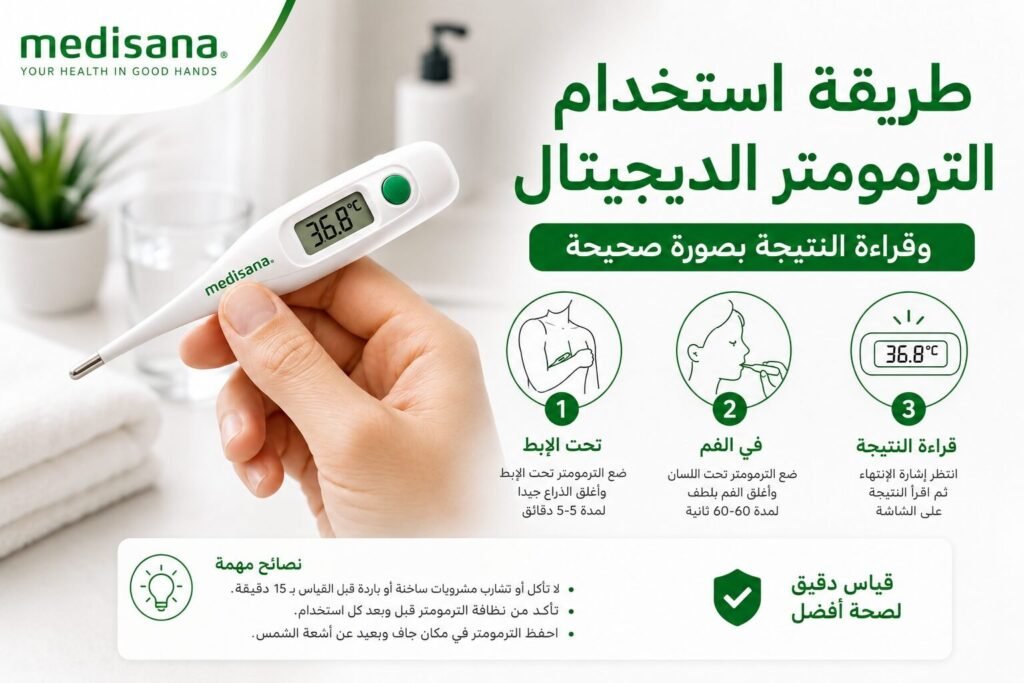
Learn how to use a digital contact thermometer correctly for armpit or oral measurement, read the result, clean the probe and handle LO, HI or ERR safely.
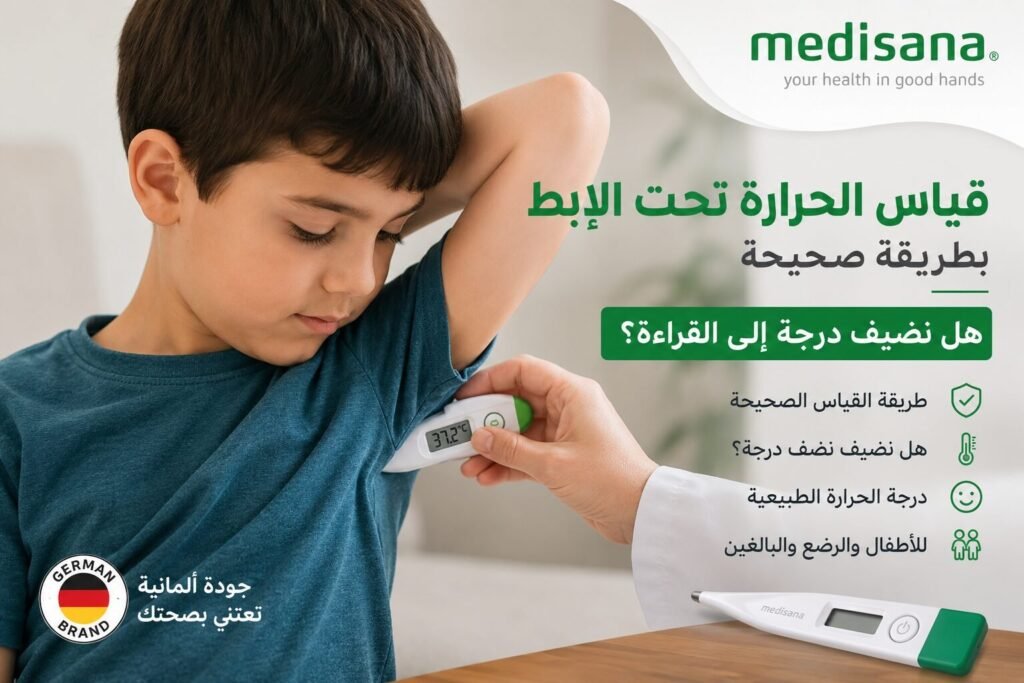
Learn how to measure temperature under the armpit correctly, where to place the thermometer, why you should not automatically add a degree, and when to confirm a reading.
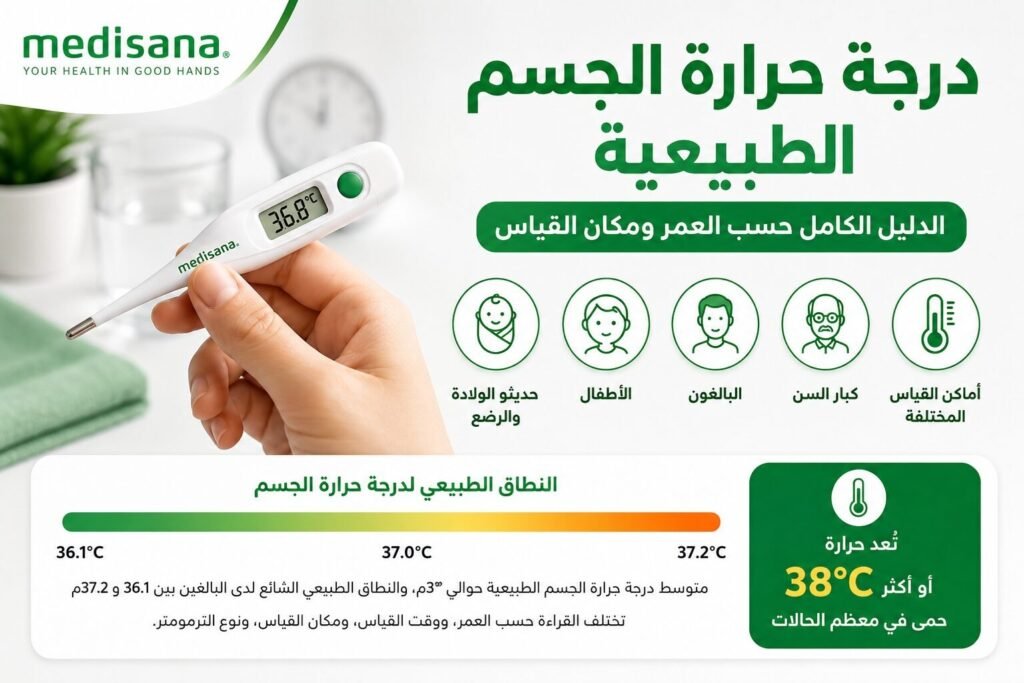
Understand normal body temperature by age, time of day and measurement site, including what 36°C, 37°C, 37.5°C and 38°C can mean and when symptoms matter more than the number.
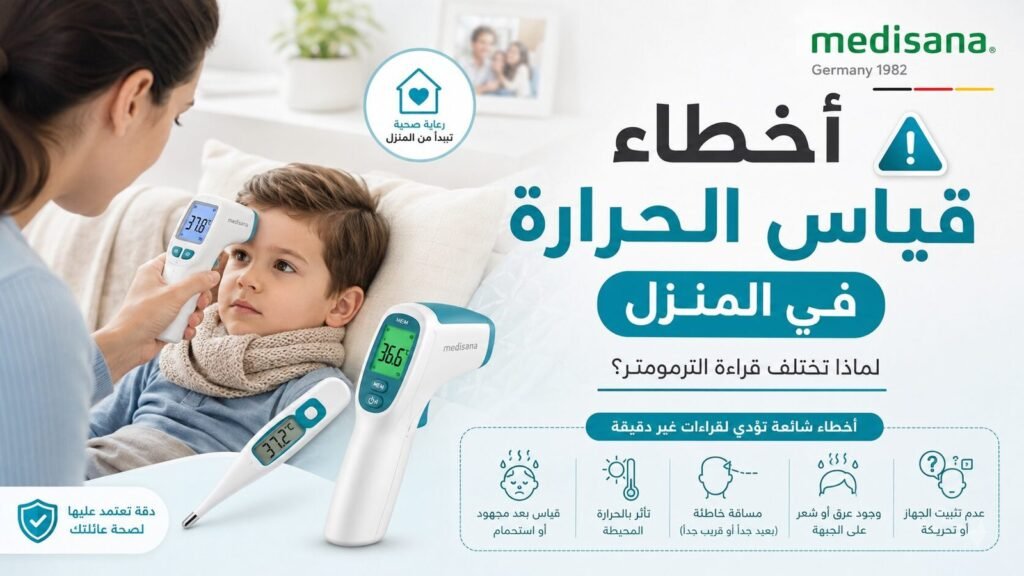
Thermometer readings different at home? Check measurement site, timing, Body mode, probe contact, forehead distance, sweat, battery and repeat technique before blaming the device.
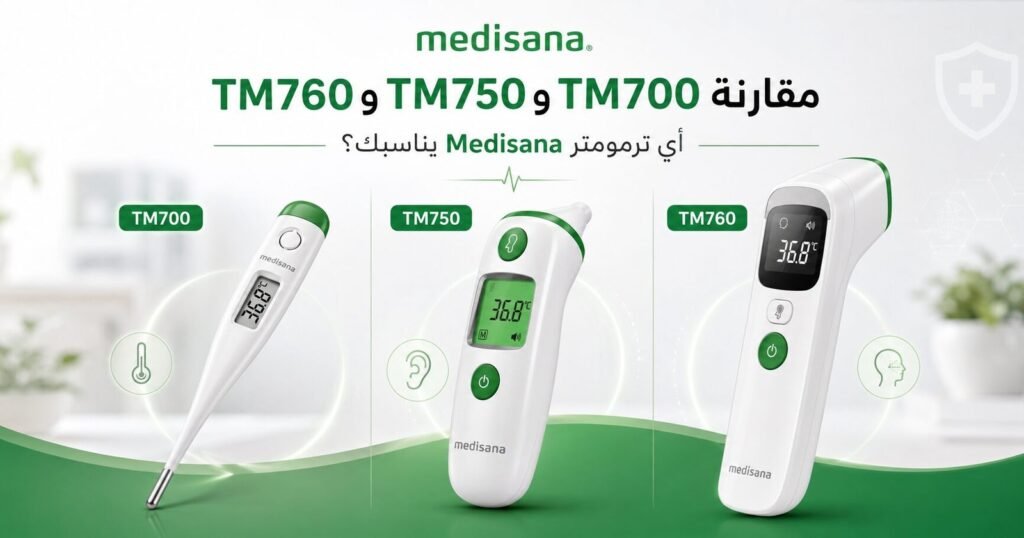
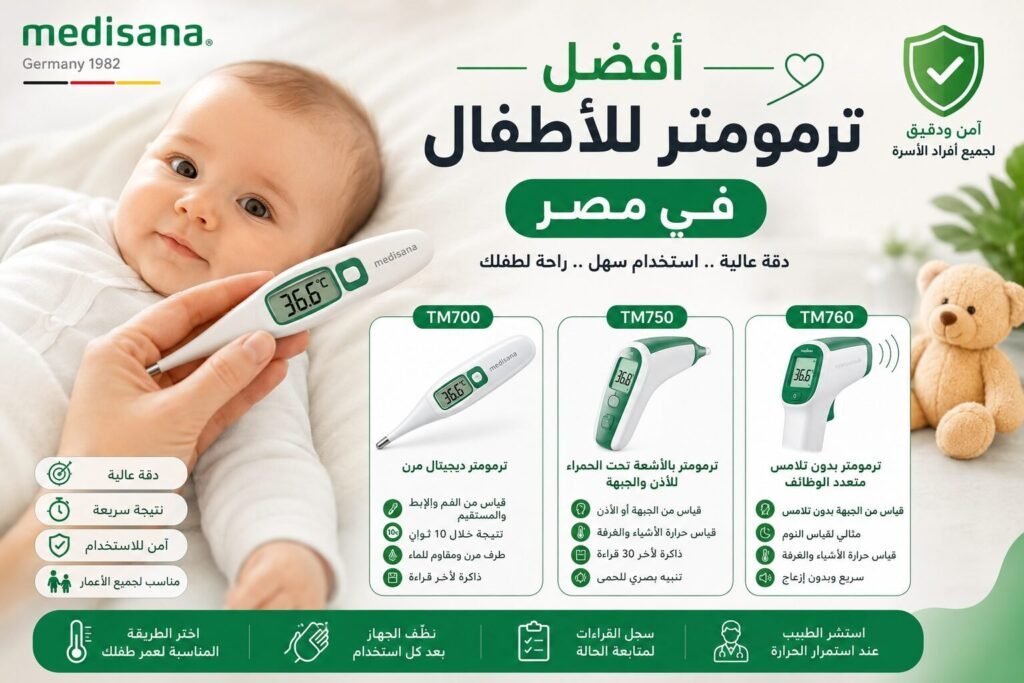
Compare Medisana TM 700, TM 750 Connect and TM 760 for children by age, measurement site, contact vs no-contact use, memory, Bluetooth and sleep-time convenience.
High blood pressure usually causes no symptoms. Learn what headache, dizziness or blurred vision can and cannot tell you, and when a reading above 180/120 with symptoms is an emergency.