How to Choose a Blood Pressure Monitor for Home Use: 8 Checks
21
May
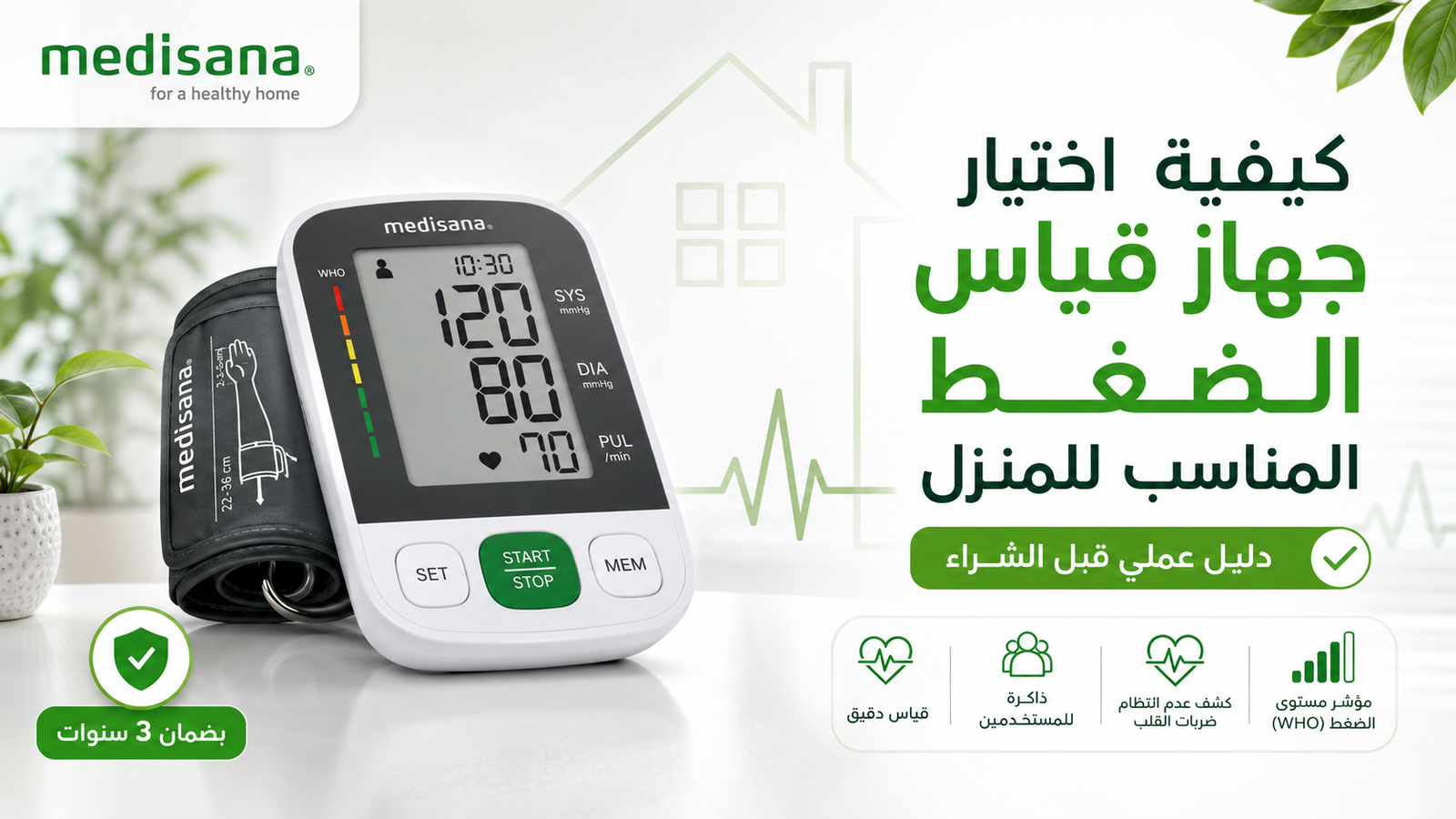
Choosing a blood pressure monitor for home use is easier when you separate essential measurement requirements from optional features. The most important questions are not “Which model has the longest feature list?” or “Which one is the most expensive?” They are: Is the device appropriate for the user, is the cuff the right size, is the monitor designed for reliable home measurement, and can the user operate it correctly every time?
The American Heart Association recommends an automatic, cuff-style upper-arm monitor for most people who measure blood pressure at home and stresses the importance of using a validated device with the correct cuff size. This guide turns those principles into a practical selection process for buyers in Egypt.
Medical note: Home blood pressure monitoring supports follow-up; it does not replace diagnosis, regular medical care, or professional advice about medication.
Quick answer: what should you look for first?
For most adults, start with an automatic upper-arm monitor. Then check the device’s validation evidence, cuff range, display readability, memory needs, user profiles, power options, warranty and local support. A monitor that fits the arm and is easy to use consistently is more useful than a feature-heavy device that is difficult to position or understand.
Selection check
Why it matters
What to verify
Validation
Accuracy should be supported by recognized testing, not marketing language alone.
Manufacturer documentation or a recognized validated-device listing.
Cuff fit
An incorrect cuff size can distort the reading.
Measure upper-arm circumference and compare it with the stated cuff range.
Measurement position
Upper-arm and wrist monitors have different positioning requirements.
For most users, an automatic upper-arm device is the first option to consider.
Display and controls
Usability affects whether measurements are taken correctly and consistently.
Large numbers, simple controls and clear symbols.
Memory
Useful for tracking trends and sharing readings with a clinician.
Enough storage for the main user or separate profiles for several users.
Support
Home devices may need guidance, accessories or warranty service.
Clear product documentation, warranty terms and a reachable seller.
1. Choose a monitor with documented validation
“Accurate” should not be treated as a decorative product claim. Look for evidence that the exact model has been evaluated against an accepted blood-pressure measurement protocol. The American Heart Association also advises buyers to choose a validated monitor and points users to validated-device resources.
If you cannot confirm validation from the product documentation, ask the seller or your healthcare professional before relying on the device for regular monitoring. Validation is model-specific: evidence for one monitor does not automatically apply to every device from the same brand.
Cuff fit is one of the most practical buying checks. A cuff that is too small or too large can affect the result, so do not assume that a “standard” or “universal” cuff will fit every user.
Measure the circumference of the upper arm at the point specified by the monitor manufacturer.
Compare that measurement with the cuff range listed for the exact model.
If several family members will use the device, check whether the cuff range works for all intended users.
If it does not, confirm whether a compatible alternative cuff is available before buying.
This step matters especially for very slim arms, larger arms and households that plan to share one monitor.
3. Upper-arm or wrist monitor?
For routine home monitoring, an automatic upper-arm monitor is generally the preferred starting point. Wrist monitors can be smaller and more portable, but they are more sensitive to positioning because the wrist must be held correctly at heart level.
A wrist device may still be appropriate in specific situations, such as when an upper-arm cuff cannot be used comfortably. In that case, correct technique becomes especially important. The right choice is based on the user’s physical needs and ability to reproduce the same position reliably.
4. Match the controls and display to the person using the device
A monitor used by an older adult may need different usability features from one used by a younger user who is comfortable with apps and connected devices. Prioritize what reduces mistakes:
large, high-contrast digits;
clearly labeled buttons;
simple start/stop operation;
easy cuff placement;
readable error messages;
memory that is easy to review.
A complicated interface can be a disadvantage if it makes the user skip measurements, select the wrong profile or misunderstand stored results.
5. Decide how much memory and connectivity you actually need
Memory is useful when blood pressure is measured regularly. It reduces reliance on memory and can help you bring a more organized record to a medical appointment. If two people will use the same monitor, separate user profiles can prevent readings from being mixed together.
Bluetooth or app connectivity can be convenient, but it should be treated as an optional workflow feature, not as a substitute for validated measurement, cuff fit or correct technique. If you prefer a simple routine, a monitor with clear onboard memory may be enough.
6. Check special-user requirements before buying
A monitor that is suitable for a general adult population may not automatically be the right choice for every user. If the device is intended for pregnancy, a child, or another population with specific measurement considerations, verify that the exact model is appropriate for that group and discuss the choice with a healthcare professional when necessary.
For seniors, usability often deserves more weight: cuff handling, screen clarity, button simplicity and memory review can matter as much as advanced features.
7. Compare product information, not marketing superlatives
Terms such as “best,” “premium,” “German quality,” or “smart” do not tell you whether a particular monitor fits your arm, has the memory you need, or is easy for the intended user to operate. When comparing models, use a consistent set of questions:
What measurement position does it use?
What cuff range is supplied?
What validation information is available?
How many readings and users can it store?
Is the display suitable for the user?
Does it need batteries, mains power, or both?
What is included in the box?
What warranty terms apply to this exact model?
For a commercial comparison of current models and buying options in the Egyptian market, use our separate blood pressure monitors in Egypt comparison guide. That page is intended for model comparison; this page is intended to teach the selection method.
8. Verify the monitor after purchase and learn the technique
Buying the right device is only half of the process. The American Heart Association recommends taking a home monitor to a healthcare appointment so a professional can check that you are using it correctly and that the device is giving comparable results.
For more reliable home measurements:
avoid smoking, caffeine and exercise for about 30 minutes beforehand;
empty your bladder;
rest quietly for at least five minutes;
sit with your back supported and feet flat on the floor;
How to compare blood pressure monitors at WeCare Egypt
If you are comparing Medisana models, start from the blood pressure monitor category. Open the individual product pages and compare cuff range, display, memory, measurement position, included accessories, current stock and model-specific warranty terms.
Do not assume that a feature found on one Medisana model is present on another. If you want a model-by-model overview, see the Medisana blood pressure monitor comparison.
Frequently asked questions
What type of blood pressure monitor is usually preferred for home use?
An automatic upper-arm cuff monitor is the usual first choice for most adults, provided that the exact device is suitable for the user and the cuff fits correctly.
Why is cuff size so important?
Because an incorrectly sized cuff can produce misleading measurements. Check arm circumference against the cuff range before buying.
Is a wrist monitor always inaccurate?
No, but wrist monitors are more sensitive to positioning. They require careful technique and are not the first option recommended for most routine home users.
Do I need Bluetooth?
Not necessarily. Connectivity can make record keeping easier, but validation, cuff fit, usability and correct technique are more important.
Can I choose a monitor based only on brand?
No. Compare the exact model. Cuff range, memory, user profiles, measurement position and validation information can differ between models from the same manufacturer.
Does home monitoring replace a doctor?
No. It helps track readings and trends, but diagnosis and treatment decisions belong with qualified healthcare professionals.
Content reviewed August 2026. Product specifications and warranty terms should always be confirmed on the exact model page at the time of purchase.
Shop from WeCare Egypt
Explore Trusted Home Medical Devices and Medical Supplies
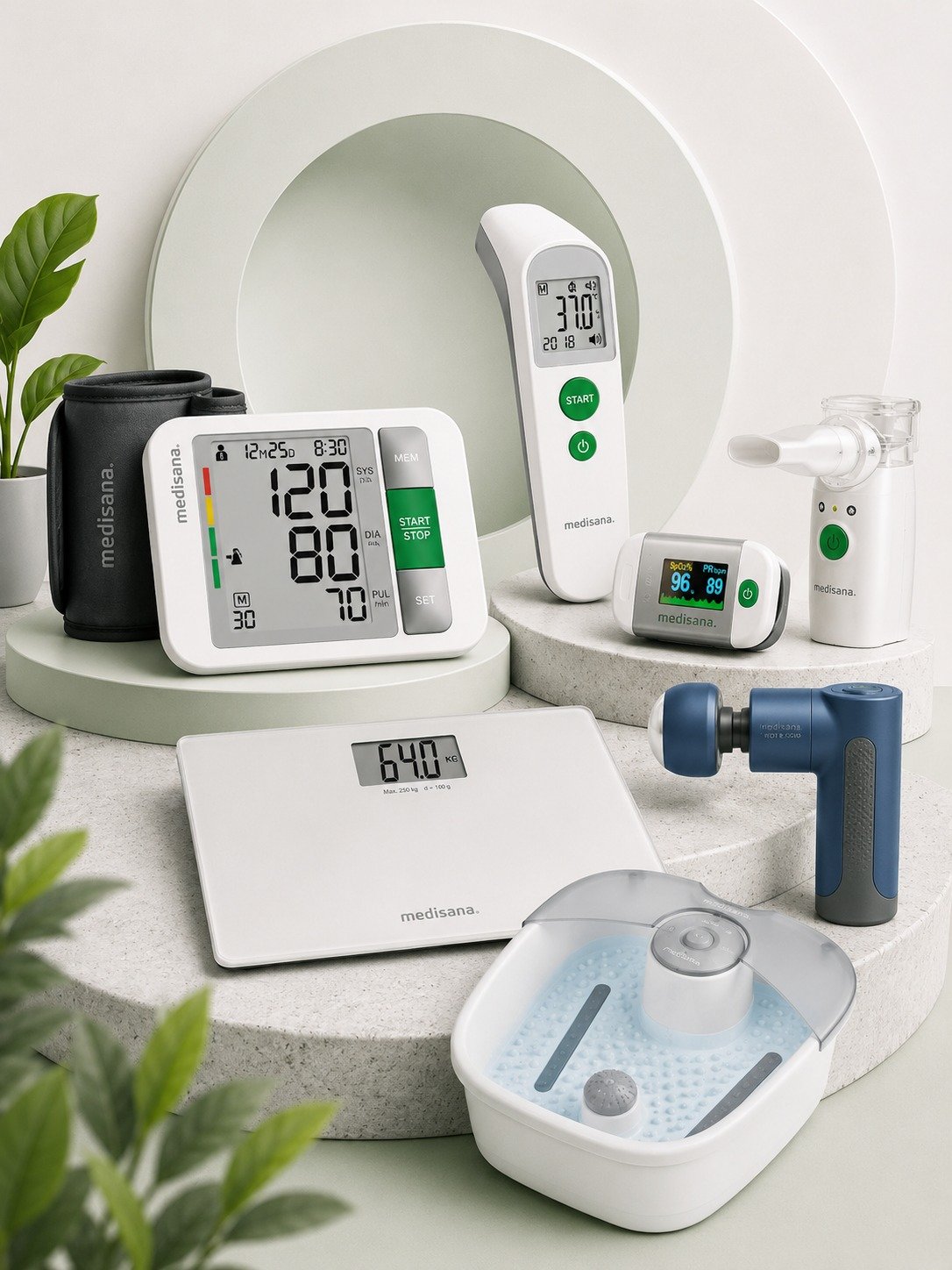
Compare blood pressure monitors, inhalation devices, weight scales, massage devices, and home health care products, then choose the most suitable option for your daily needs from WeCare Egypt.
Nebulizer not making mist? Troubleshoot compressor and mesh models by checking power, tubing, filter, cup assembly, batteries, mesh contact and cleaning—without changing the medication dose.
Learn why a pulse oximeter may show low or unstable SpO₂, how to repeat the measurement correctly, common accuracy limitations, and when symptoms need medical attention.
Learn what Perfusion Index (PI) means on a pulse oximeter, how it differs from SpO₂ and pulse rate, why PI changes, and how to use it as a signal-quality clue.
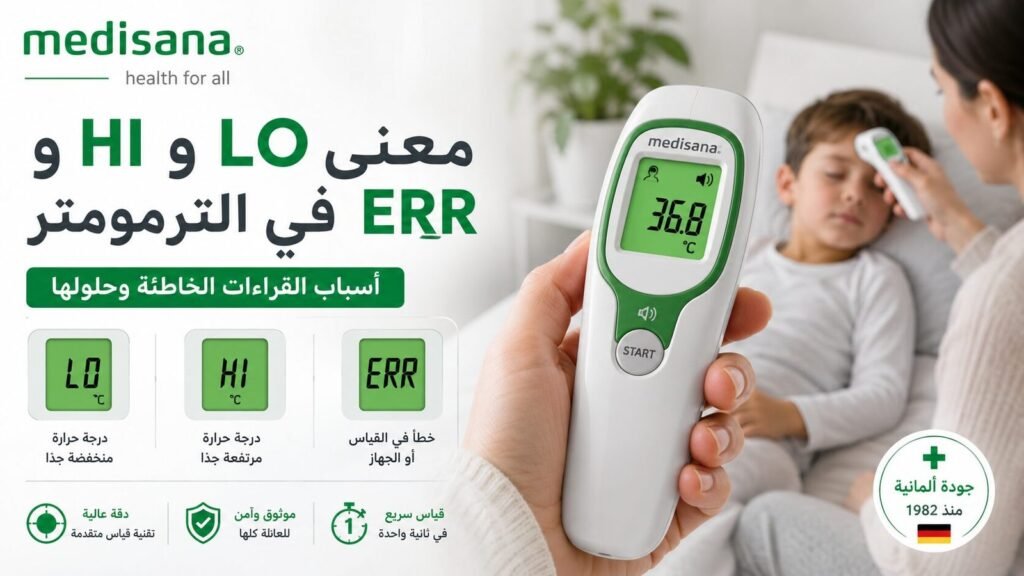
Understand LO, HI, ERR, E1, E2 and battery symbols on digital thermometers, what they may mean, and the correct troubleshooting order before requesting support.
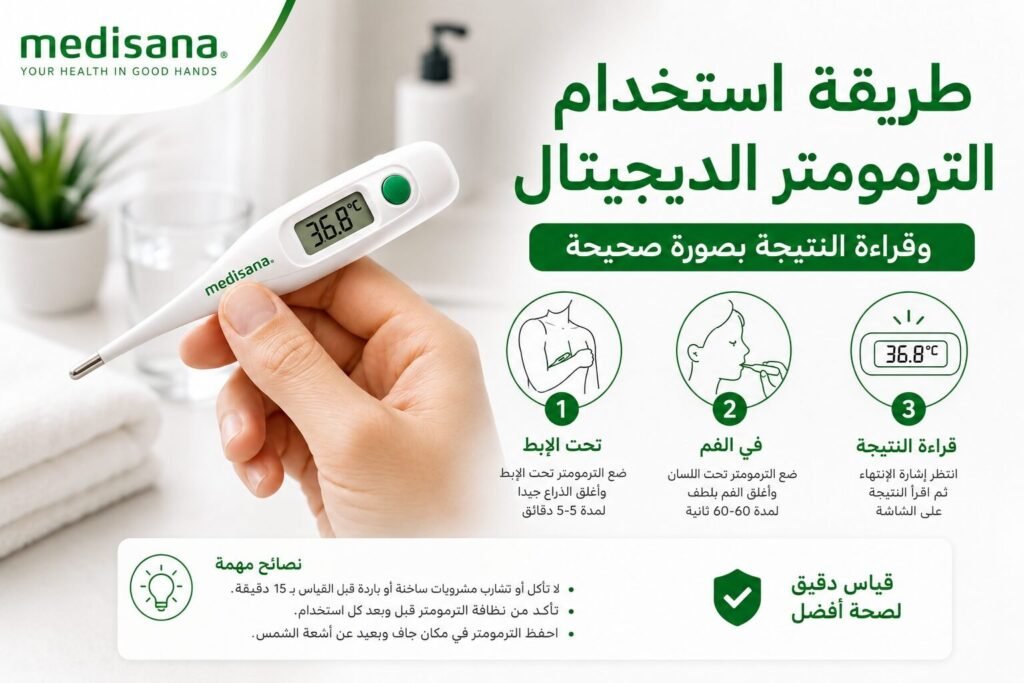
Learn how to use a digital contact thermometer correctly for armpit or oral measurement, read the result, clean the probe and handle LO, HI or ERR safely.
Learn how to measure temperature under the armpit correctly, where to place the thermometer, why you should not automatically add a degree, and when to confirm a reading.
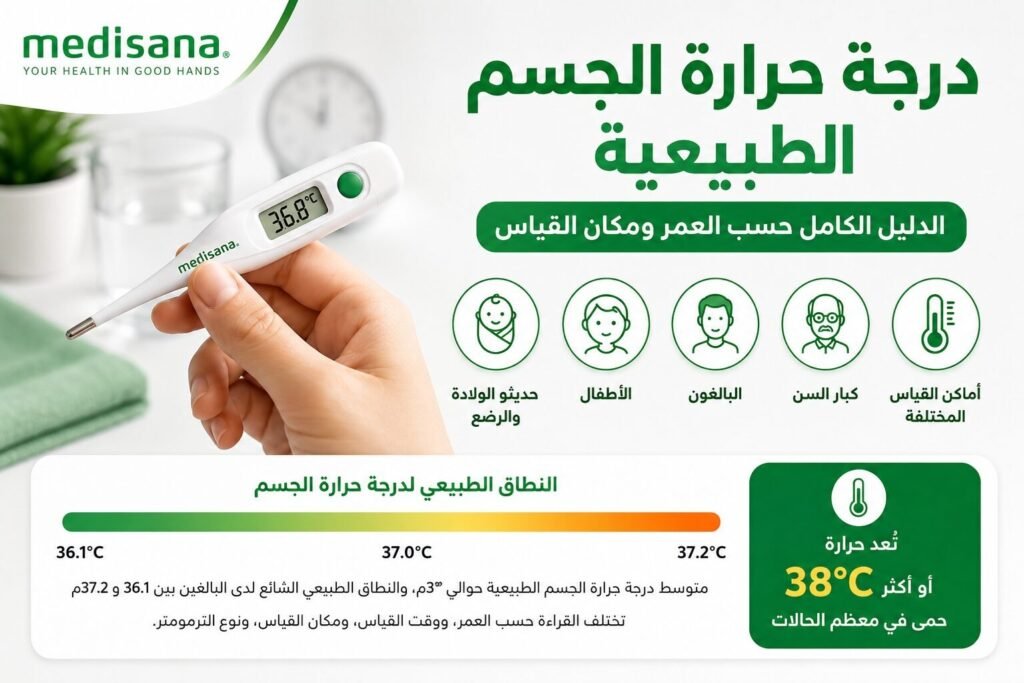
Understand normal body temperature by age, time of day and measurement site, including what 36°C, 37°C, 37.5°C and 38°C can mean and when symptoms matter more than the number.
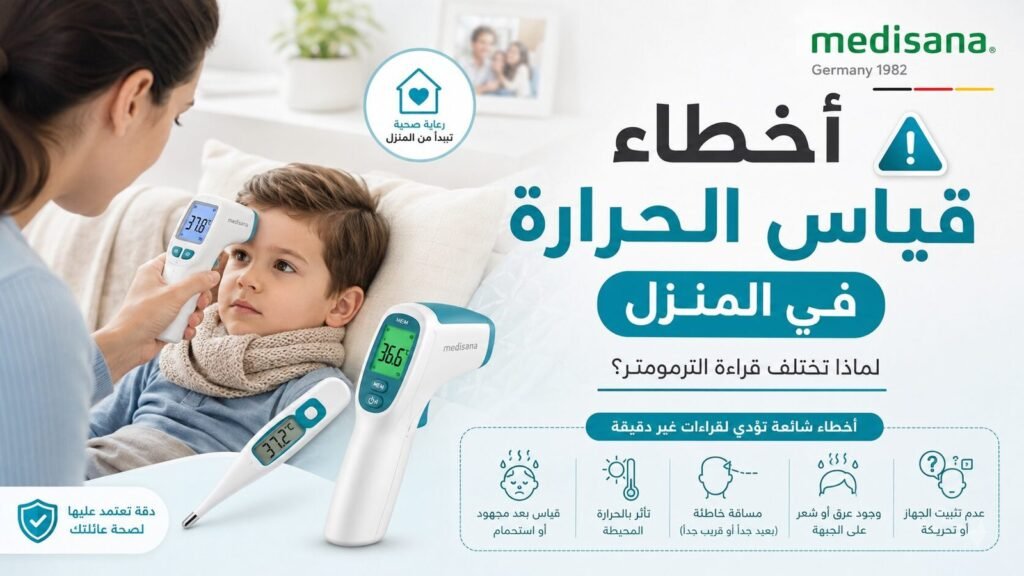
Thermometer readings different at home? Check measurement site, timing, Body mode, probe contact, forehead distance, sweat, battery and repeat technique before blaming the device.
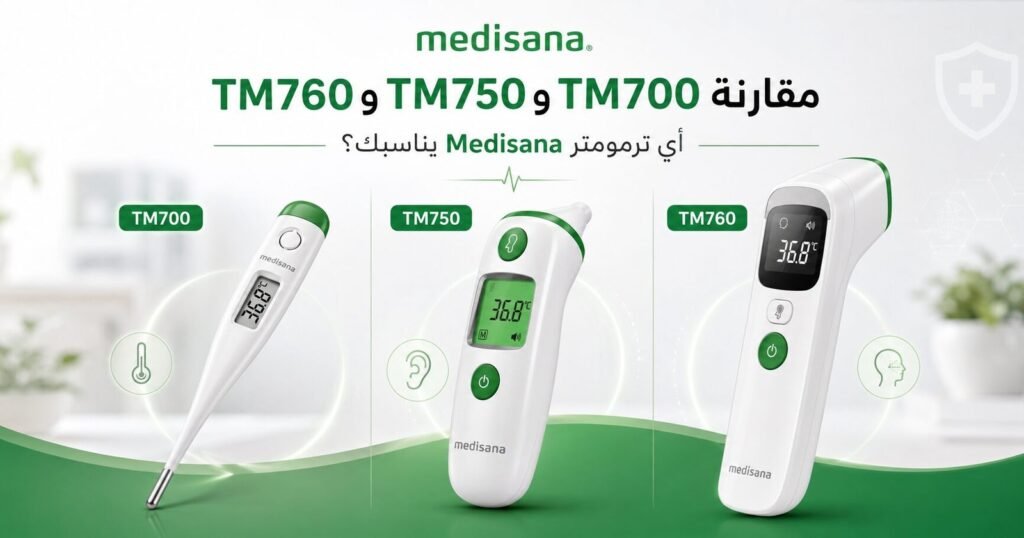
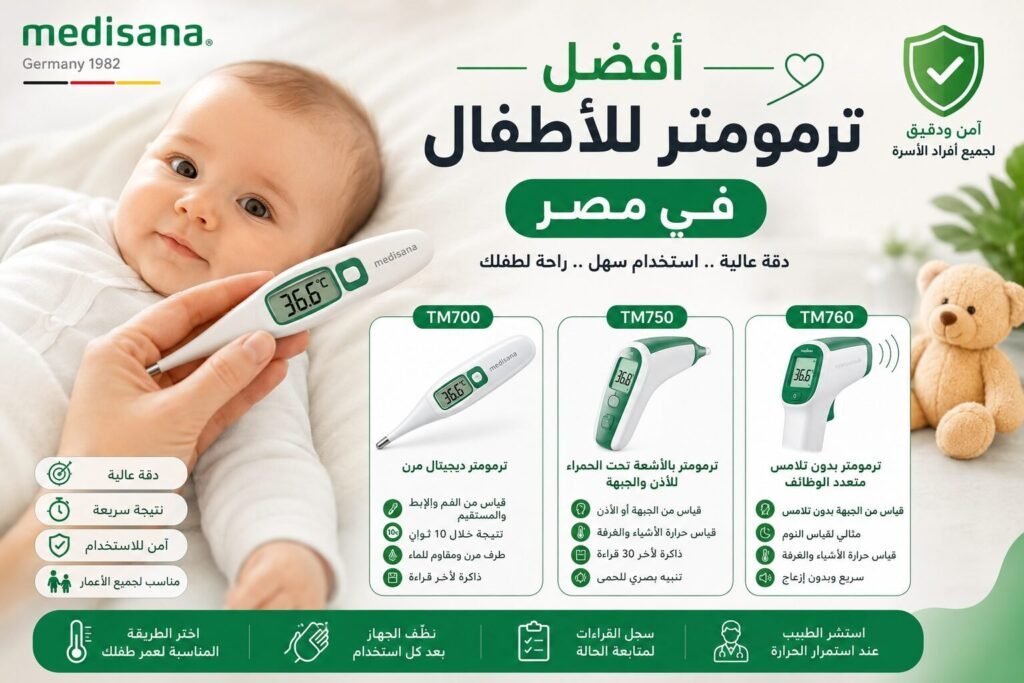
Compare Medisana TM 700, TM 750 Connect and TM 760 for children by age, measurement site, contact vs no-contact use, memory, Bluetooth and sleep-time convenience.
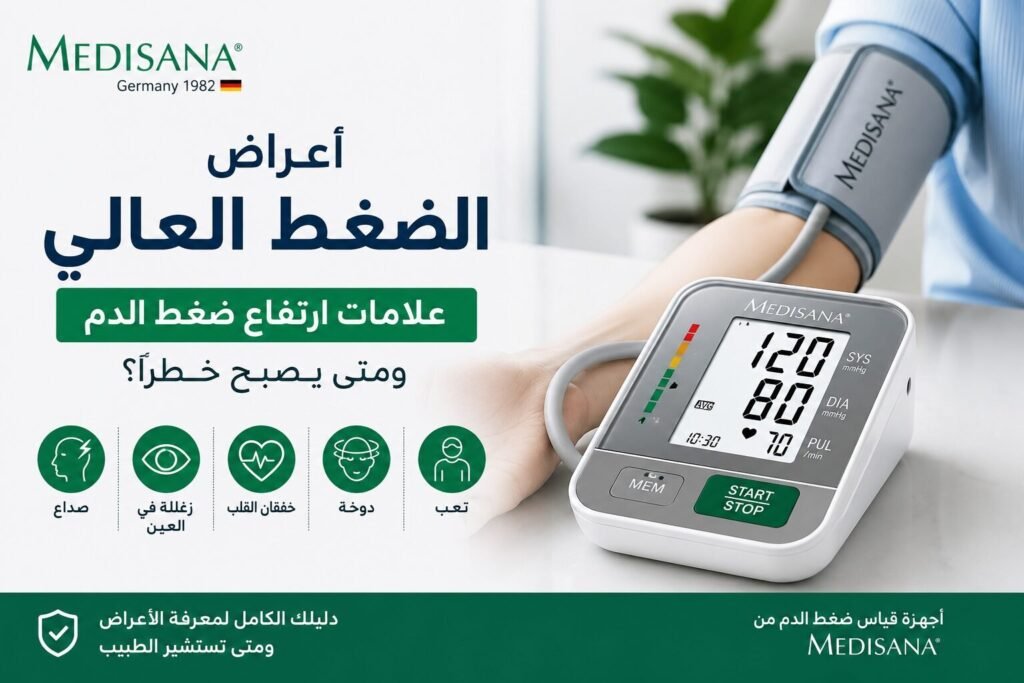
High blood pressure usually causes no symptoms. Learn what headache, dizziness or blurred vision can and cannot tell you, and when a reading above 180/120 with symptoms is an emergency.