

10
Oct
Related posts
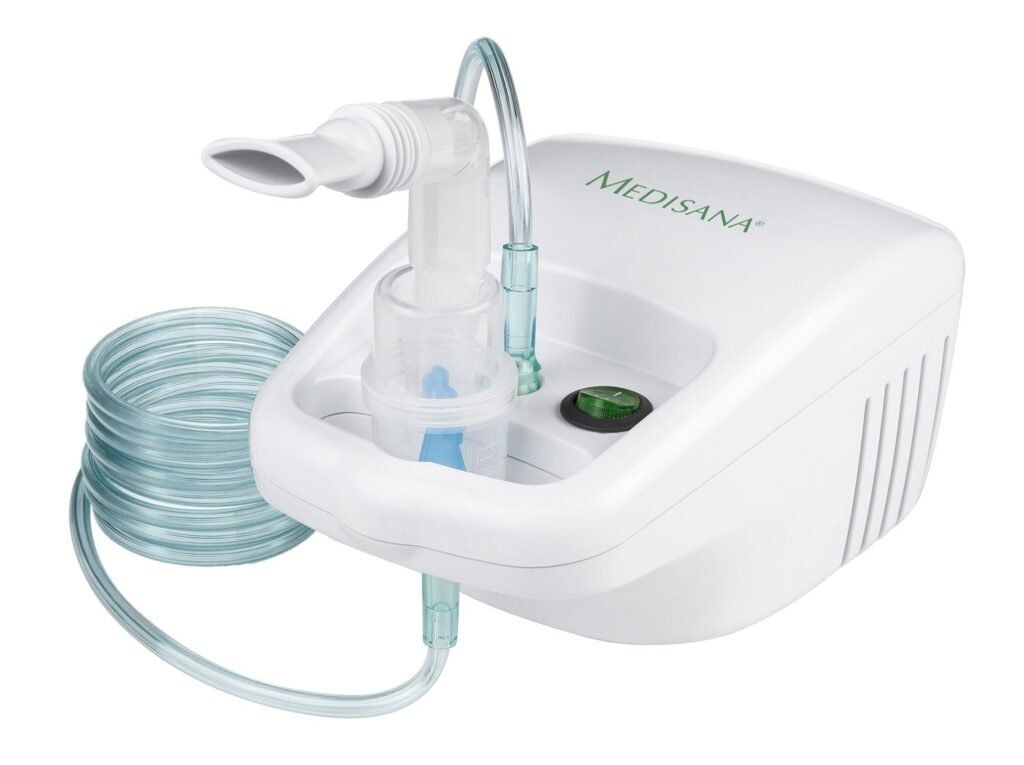
Nebulizer Not Making Mist? Causes of Weak or No Aerosol

Nebulizer not making mist? Troubleshoot compressor and mesh models by checking power, tubing, filter, cup assembly, batteries, mesh contact and cleaning—without changing the medication dose.
Low SpO₂ or an Unstable Pulse Oximeter Reading? Common Causes and What to Do
Learn why a pulse oximeter may show low or unstable SpO₂, how to repeat the measurement correctly, common accuracy limitations, and when symptoms need medical attention.
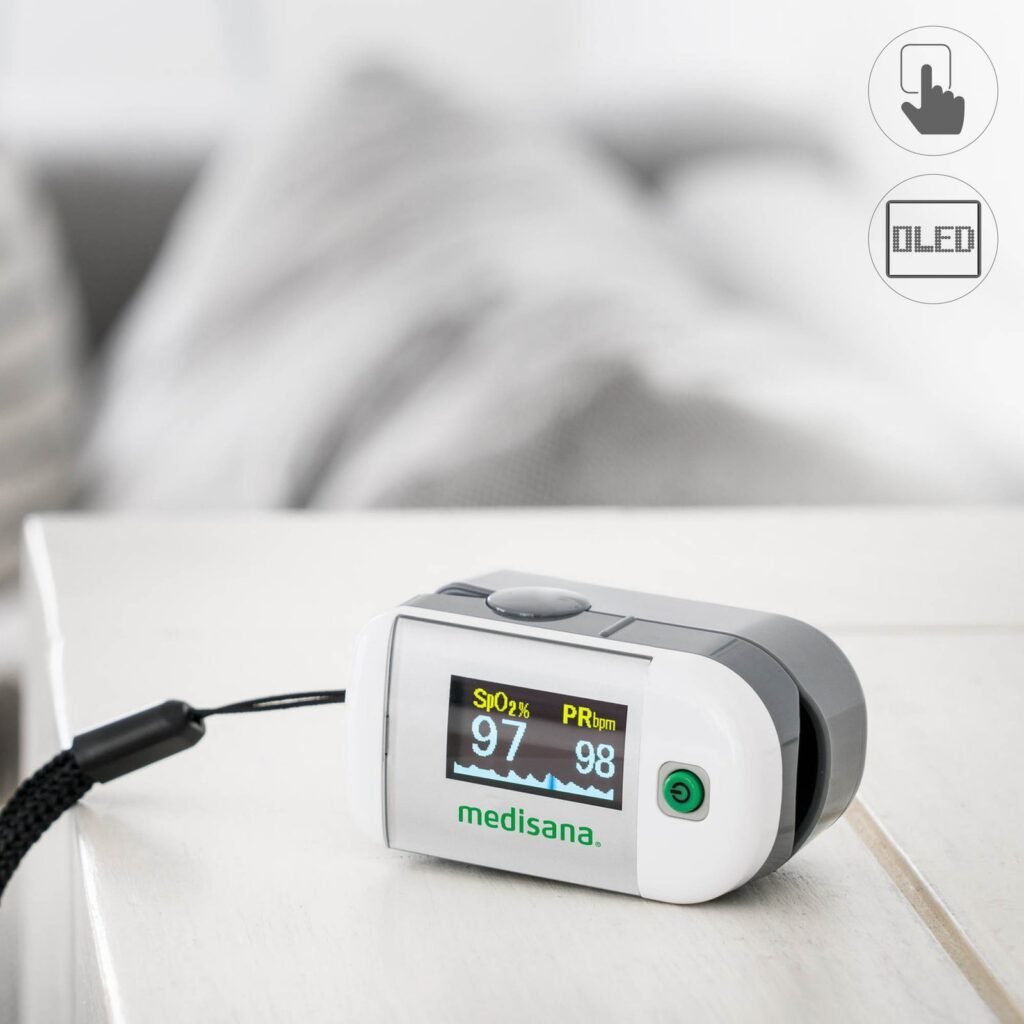
Perfusion Index (PI) on a Pulse Oximeter: What It Means
Learn what Perfusion Index (PI) means on a pulse oximeter, how it differs from SpO₂ and pulse rate, why PI changes, and how to use it as a signal-quality clue.
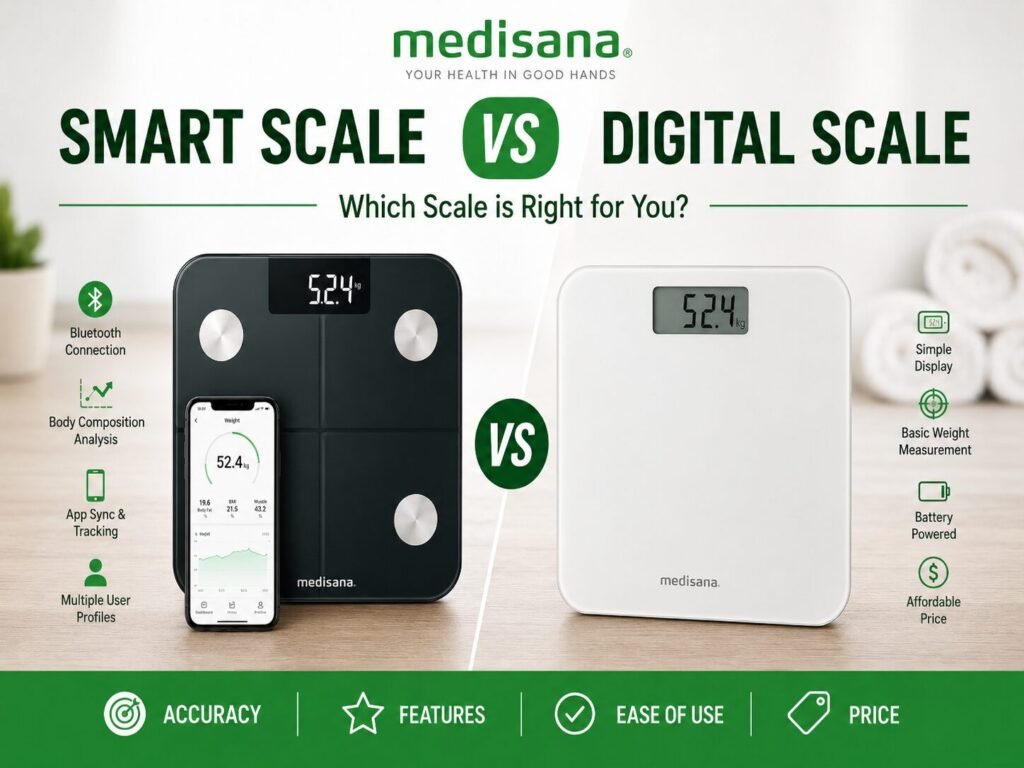
Smart Scale vs Digital Scale: Which One Is Better?
What is a smart scale? A smart scale is a digital body-weight scale that can connect to a phone app, usually through Bluetooth or ...
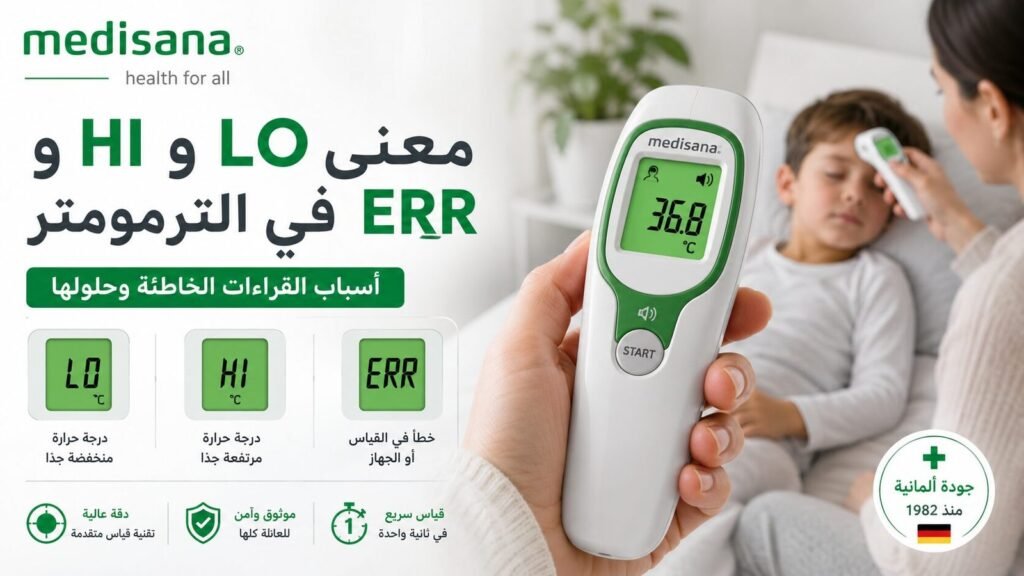
Thermometer Error Codes: LO, HI, ERR, E1 and E2 Explained
Understand LO, HI, ERR, E1, E2 and battery symbols on digital thermometers, what they may mean, and the correct troubleshooting order before requesting support.
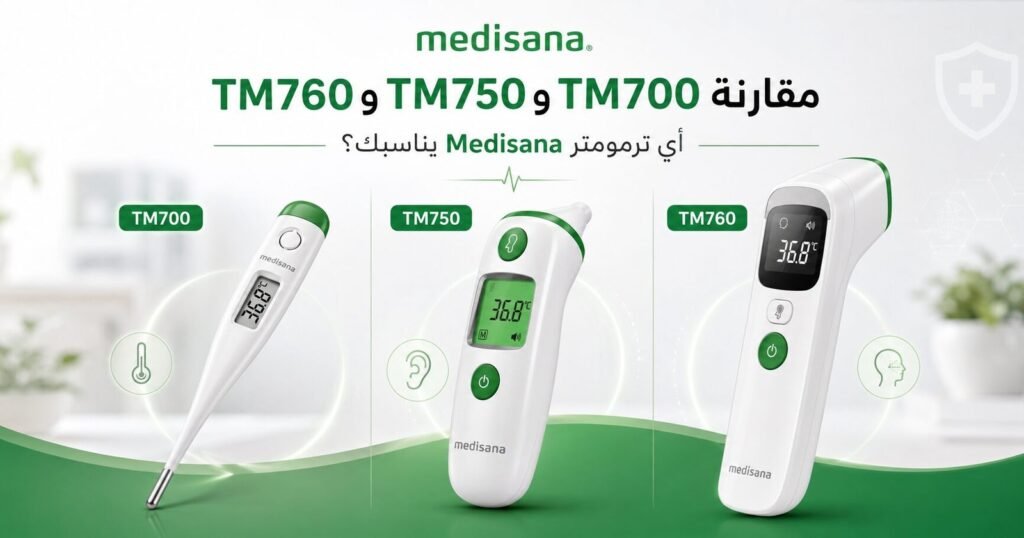
Medisana TM 700 vs TM 750 Connect vs TM 760: Full Comparison
Compare Medisana TM 700, TM 750 Connect and TM 760 by measurement method, body site, memory, Bluetooth, object modes, batteries and daily-use scenarios.
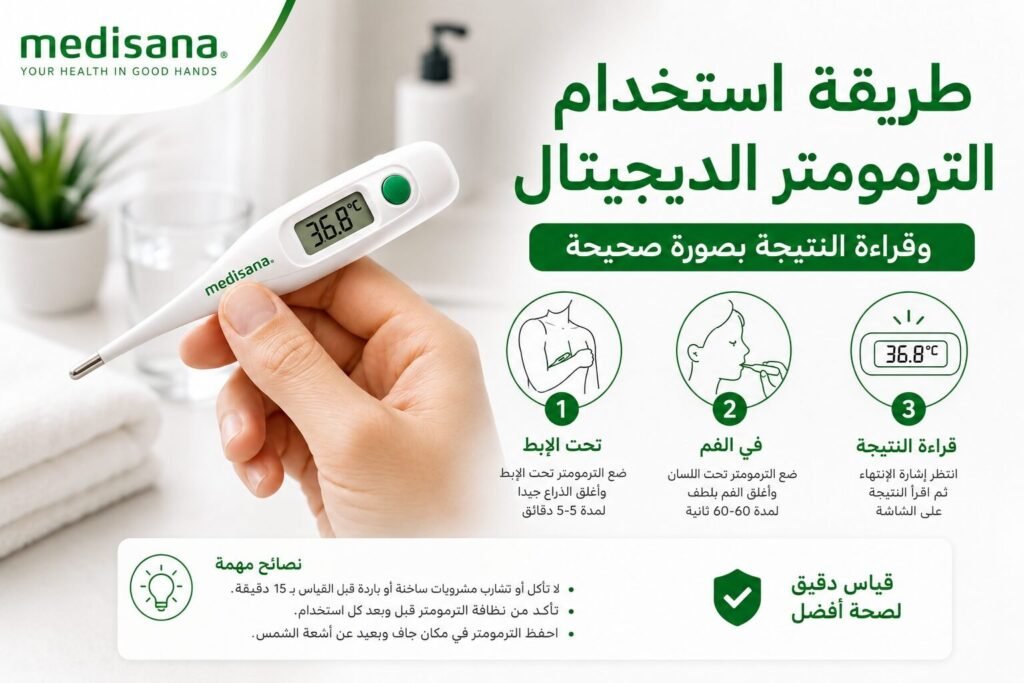
How to Use a Digital Thermometer and Read the Result Correctly
Learn how to use a digital contact thermometer correctly for armpit or oral measurement, read the result, clean the probe and handle LO, HI or ERR safely.
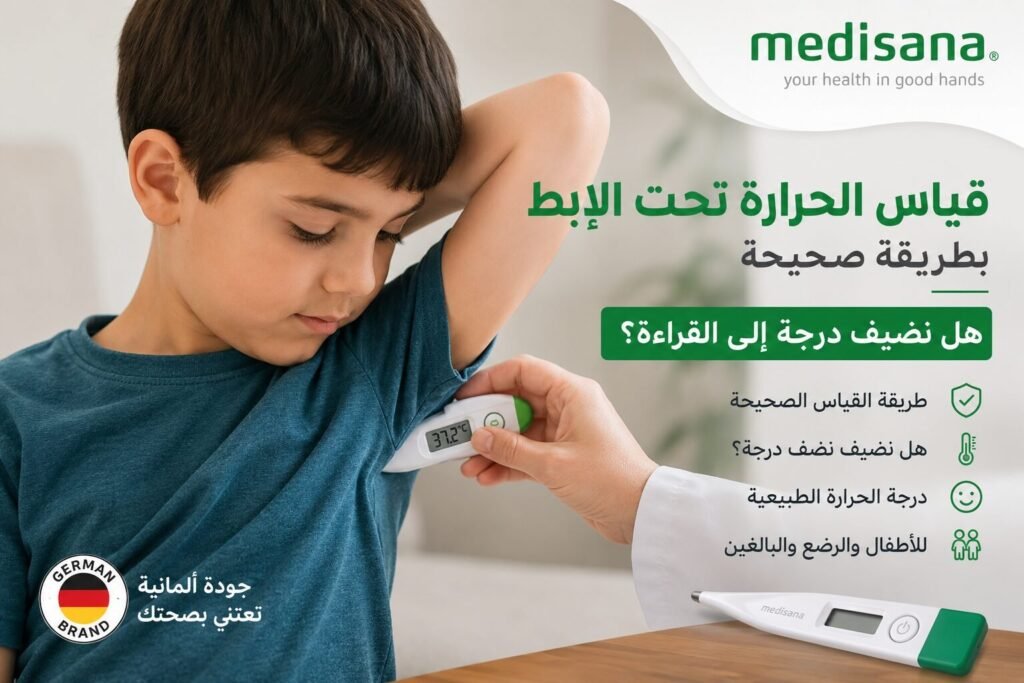
How to Measure Temperature Under the Armpit: Do You Add a Degree?
Learn how to measure temperature under the armpit correctly, where to place the thermometer, why you should not automatically add a degree, and when to confirm a reading.
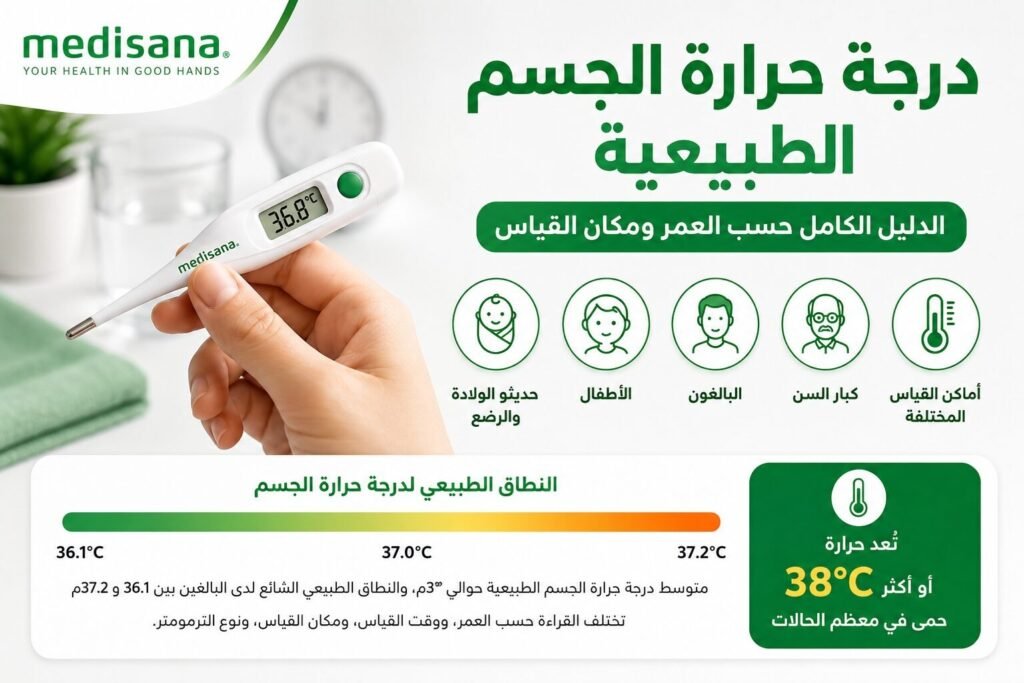
Normal Body Temperature by Age and Measurement Site
Understand normal body temperature by age, time of day and measurement site, including what 36°C, 37°C, 37.5°C and 38°C can mean and when symptoms matter more than the number.
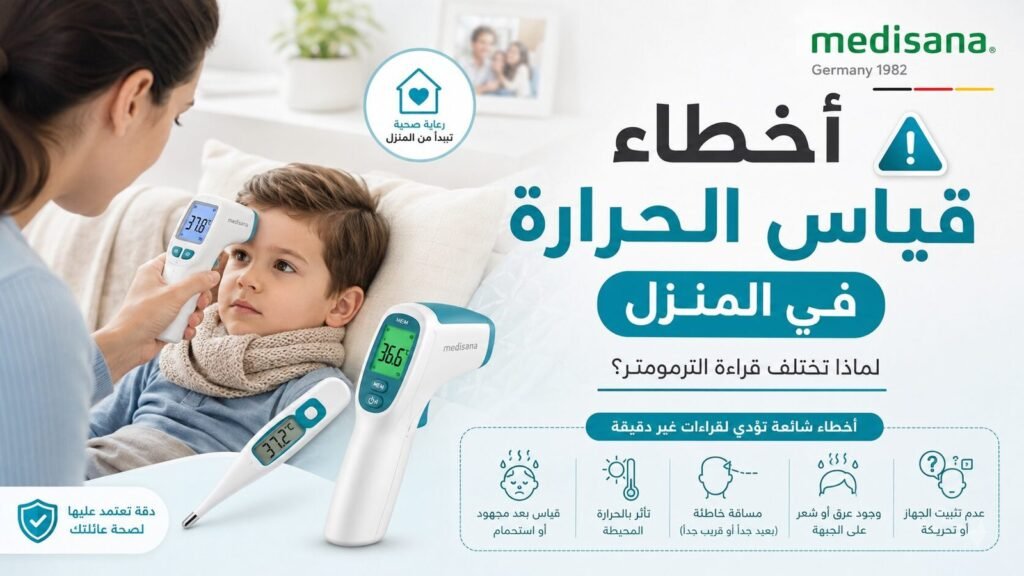
Why Thermometer Readings Differ: 9 Home Measurement Errors
Thermometer readings different at home? Check measurement site, timing, Body mode, probe contact, forehead distance, sweat, battery and repeat technique before blaming the device.
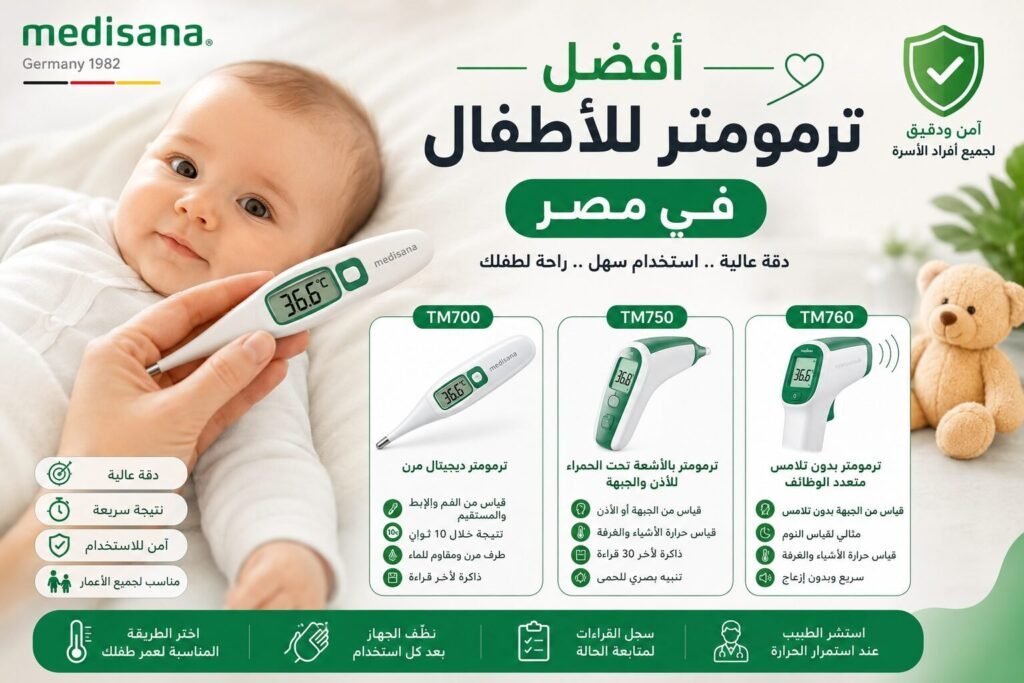
Best Thermometer for Children in Egypt: Choose by Age and Measurement Method
Compare Medisana TM 700, TM 750 Connect and TM 760 for children by age, measurement site, contact vs no-contact use, memory, Bluetooth and sleep-time convenience.
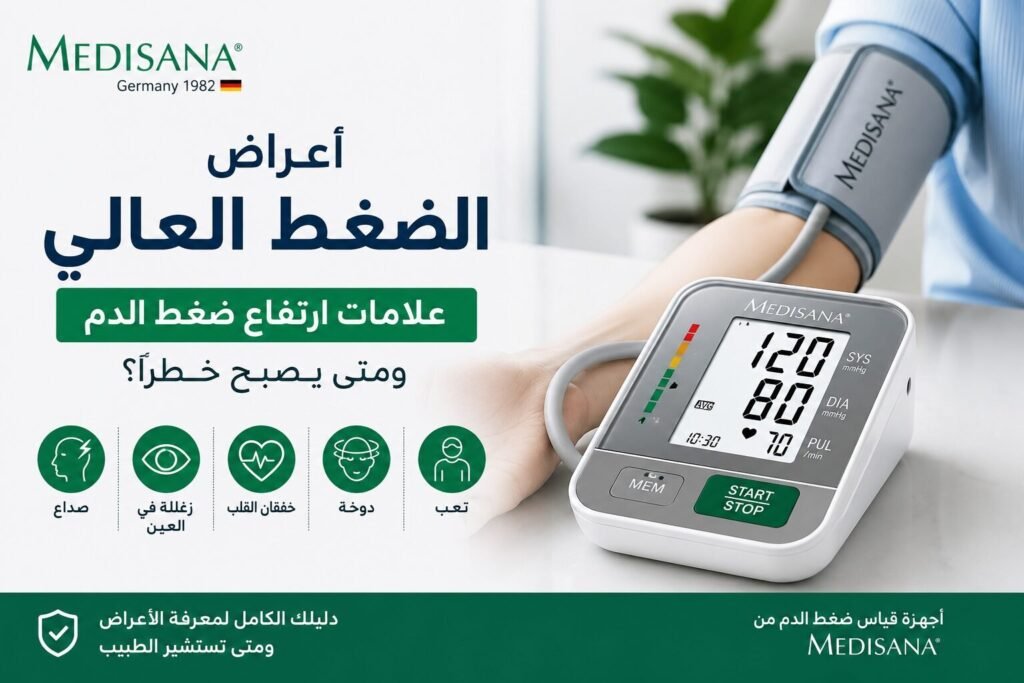
High Blood Pressure Symptoms: What You Can and Cannot Feel
High blood pressure usually causes no symptoms. Learn what headache, dizziness or blurred vision can and cannot tell you, and when a reading above 180/120 with symptoms is an emergency.